 Submora
01PREPARATION CHECKLIST
Know the fields before you open the form.
Prepare the information below using the saved platform configuration. Required labels reflect that configuration; confirm the current form before submitting.
01
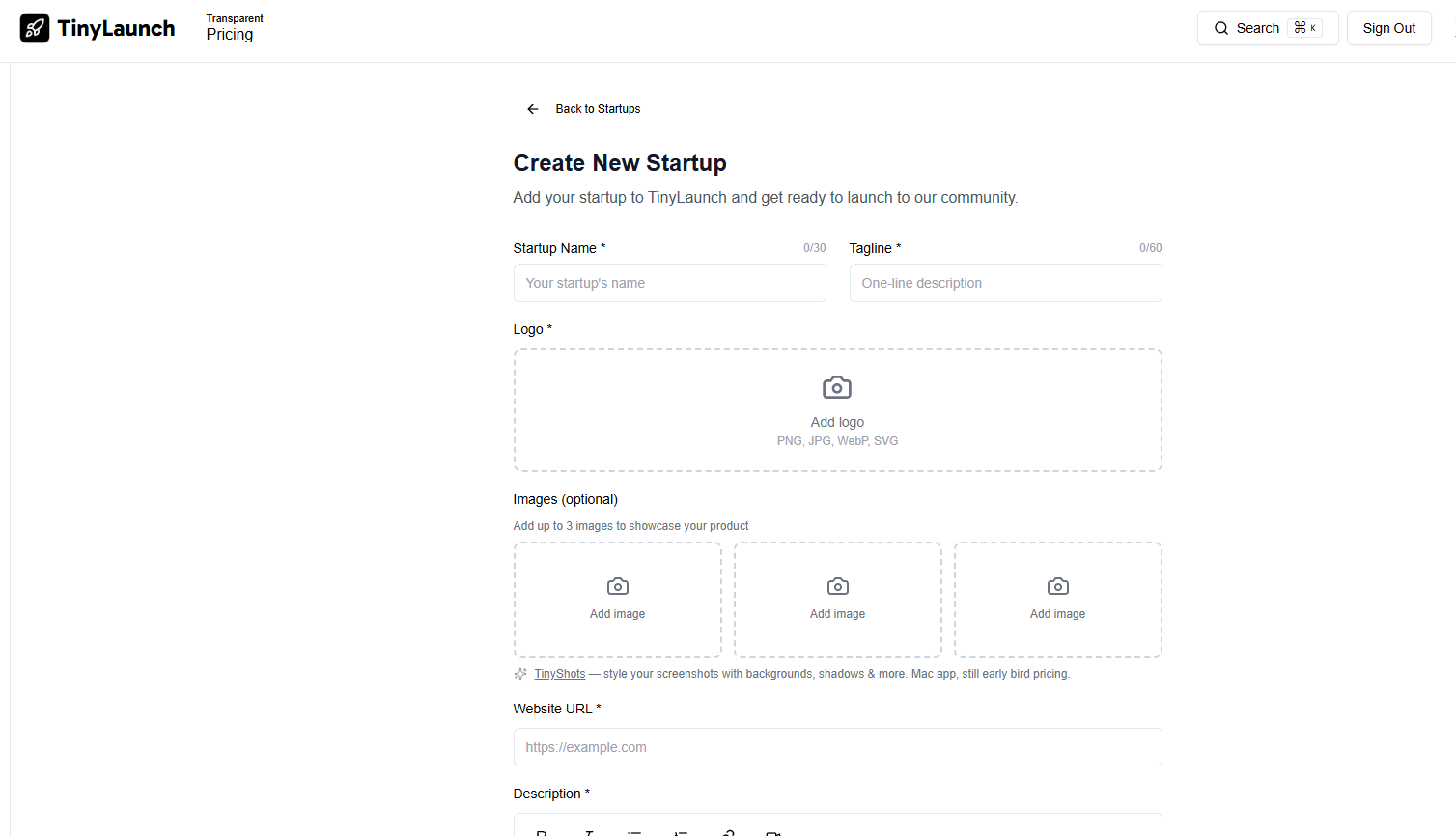
Startup Name *
Optional- Input
- Short text
02
Tagline *
Optional- Input
- Short text
03
Website URL *
Optional- Input
- Short text
04
Category *
Optional- Input
- Choose one option
- Options
- Select a category... · Finance & FinTech · HR & Recruitment · Marketing & Sales · Startup & Small Business · Education & Learning · Health & Wellness · Home & Living · Productivity · E-commerce · Logistics & Delivery · Retail Tech · Design & Art · Gaming · Music & Audio · Video & Content Creation · Beta & Early Access · DIY & Makers · Side Projects & Hacks · Consumer Electronics · IoT & Connectivity · Robotics & Automation · Healthcare & MedTech · Legal & Compliance · Real Estate & PropTech · Community & Networking · Diversity & Inclusion · Social Media · Green Tech · Nonprofit Tools · Social Impact · AI & Machine Learning · Developer Tools · SaaS & Tools · Web3 & Blockchain · Mobility & Transportation · Travel & Tourism
05
I will not upvote my own launch more than once. I'm aware that upvote behavior i
Optional- Input
- Choose multiple options
- Options
- on
06
Rich text
Optional- Input
- Long text
02PLATFORM REQUIREMENTS
Before you submit
- A live or launch-ready product
- Product name, official URL and concise tagline
- A clear product description and target audience
- Logo and product screenshots
- Maker account
- Concise positioning
- Logo and screenshots
- Launch-ready website
- Time to engage with feedback
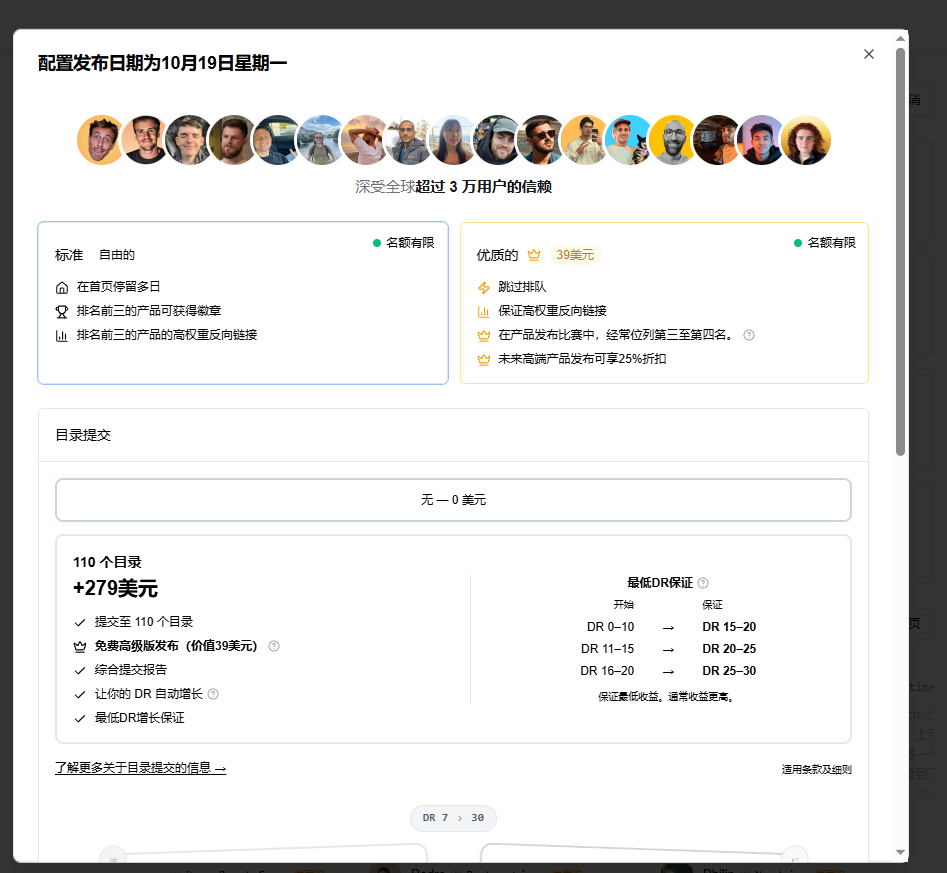
Standard Launch is free. Premium Launch was $39 per launch when verified.
03PUBLISHING WORKFLOW
How to submit
- 01
Open the verified launch page
- 02
Choose the appropriate free or paid route
- 03
Complete the product profile and upload assets
- 04
Select accurate categories and a launch date if requested
- 05
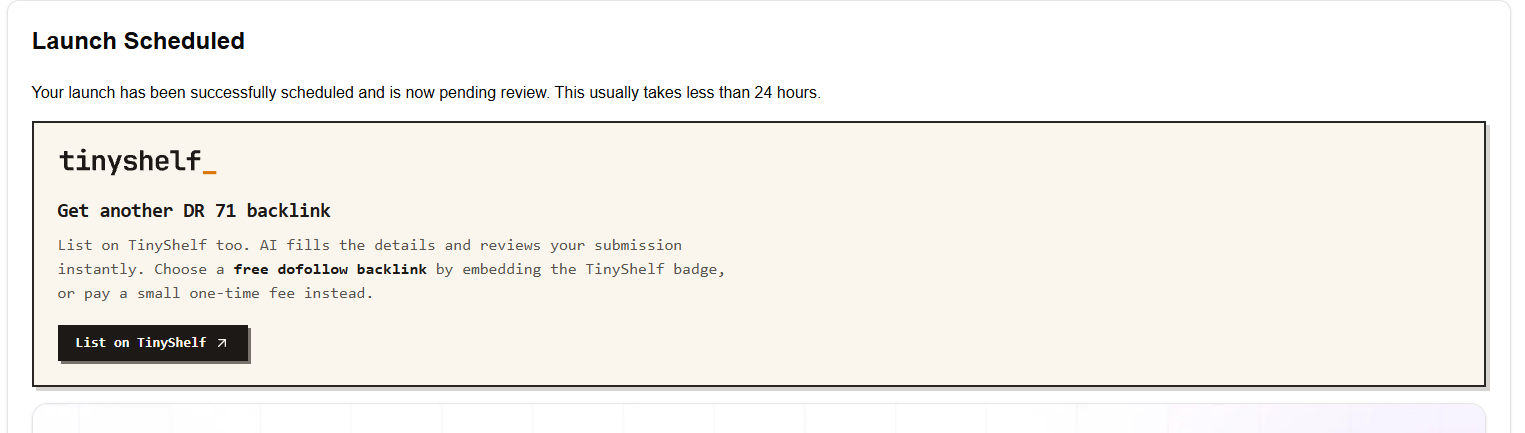
Submit for review or scheduling
- 06
Verify and record the published launch page
04EXPECTED OUTPUT
What gets published
A public launch page with description, media, maker attribution, votes, reviews and website link.
Not suitable for
- Local businesses
The destination controls pricing, moderation and publication. DR is a recorded metric, not a guarantee of traffic or acceptance.
PREPARE. PUBLISH. FOLLOW UP.
Keep the work connected.
Use your website materials to prepare platform-specific content, record your submission and follow the published result.