 Submora
01PREPARATION CHECKLIST
Know the fields before you open the form.
Prepare the information below using the saved platform configuration. Required labels reflect that configuration; confirm the current form before submitting.
01
Name of the launch
Optional- Input
- Short text
- Form step
- Step 1
- Requirements
- e.g. Velocis Tracker
02
Tagline
Optional- Input
- Short text
- Form step
- Step 1
- Requirements
- Concise and descriptive tagline for the launch
03
Links to the launch
Optional- Input
- Website URL
- Form step
- Step 1
- Requirements
- https://example.com
04
Is this a Made in India product?
Optional- Input
- Checkbox
- Form step
- Step 1
- Options
- Is this a Made in India product?
05
Is this an open source project?
Optional- Input
- Checkbox
- Form step
- Step 1
- Options
- Is this an open source project?
06
GitHub Repository URL
Optional- Input
- Website URL
- Form step
- Step 1
- Requirements
- https://github.com/username/repo
07
Is this a student project?
Optional- Input
- Checkbox
- Form step
- Step 1
- Options
- Is this a student project?
08
X account of the launch
Optional- Input
- Short text
- Form step
- Step 1
- Requirements
- username
09
Description of the launch
Optional- Input
- Long text
- Form step
- Step 1
- Requirements
- Describe what your product accomplishes...
10
Write the first comment
Optional- Input
- Long text
- Form step
- Step 1
- Requirements
- Welcome to our launch! Ask us anything...
11
Launch tags* (Required)
Required- Input
- Choose multiple options
- Form step
- Step 1
- Requirements
- View all tags
- Options
- View all tags · Select Launch Tags · Select up to three tags for your product launch · Selected Tags (3/3) · Launchpad · Product Launch · Analytics · Popular & Trending Launch Tags · AI · AI Agents · AI Coding Agents · Chat Model · Deployment · Design · Developer Tools · Fintech · Generative AI · Hosting · LLM · Marketing · Open Source · Product Directory · Productivity · SaaS · Security · Startup Launchpad · Video Conferencing · All Available Tags · 3D & Animation · Accounting · Ad Blockers · AI Code Editors · AI Code Testing · AI Databases · AI Generative Media · AI Notetakers · AI Presentation Software · AI Sales Tools · AI Workflow Automation · Android Apps · APIs & Integrations · AR/VR · Audio & Music · Beta Testing · Browser Extensions · Budgeting · Calendar Apps · Career & Jobs · Cloud Computing · CMS & Headless · Command Line · Compliance · Computer Vision · Content Creation · CRM Software · Crowdfunding & Pre-Launch · Customer Support · Cybersecurity · Databases · Demo Day · Design Tools · DevOps · Docker & Containers · E-Commerce & Retail · E-Signature · Early Access · Education & EdTech · Email Clients · Email Marketing · Figma Plugins · Finance · Forums & Communities · Git & GitHub · Graphic Design · Growth Hacking · Health & Fitness · Hiring & HR · Icons & Illustration · Invoicing · iOS Apps · Knowledge Base · Legal Services · Meeting Software · Mobile Apps · Next.js · No-Code & Low-Code · Node.js · Note & Writing Apps · Online Learning · Password Managers · Payments · PDF Editor · Predictive AI · Project Management · Prompt Engineering · Python · React · SEO · Serverless · Social & Community · Social Media · Task Management · Team Collaboration · Testing & QA · Time Tracking · TypeScript · UI/UX · Vibe Coding · Video and Voice Calling · Video Editing · Voice AI · Web3 & Crypto · Media & Entertainment · Video Streaming · Podcast & Audio · Music & Beats · Voice Modulator · Media Players · Screen Recording & Capture · Animation & Video Rendering · 3 · / 3 selected · Clear All · Done
12
Paste image logo URL
Optional- Input
- Website URL
- Form step
- Step 2
- Requirements
- Paste image logo URL
13
+ Upload multiple
Optional- Input
- Image upload
- Form step
- Step 2
- Image requirements
- image/*
14
Video / Loom URL (Optional)
Optional- Input
- Website URL
- Form step
- Step 2
- Requirements
- https://youtube.com/... or https://loom.com/...
15
Interactive demo link (Optional)
Optional- Input
- Website URL
- Form step
- Step 2
- Requirements
- https://arcade.software/... or https://hexus.ai/...
16
Did you work on this launch?
Optional- Input
- Choose one option
- Form step
- Step 3
- Requirements
- I didn't work on this productYou will be listed only as the Hunter of this produ
- Options
- I worked on this productYou will be listed as both Hunter and Maker of this productMaker · I didn't work on this productYou will be listed only as the Hunter of this product
17
Add products that helped make yours awesome
Optional- Input
- Short text
- Requirements
- Each shoutout lives on as a founder review — shown first on that product's review page with a link back to your product. It's extra visibility that lasts beyond launch day! Launches with shoutouts are also more likely to get featured. Launches typically add 3 shoutouts, but feel free to add more!
18
Tell investors about your background, experience, and why you can win...
Optional- Input
- Long text
- Form step
- Step 4
- Requirements
- Tell investors about your background, experience, and why you can win...
19
What problem are you solving and why does it matter to you?
Optional- Input
- Long text
- Form step
- Step 4
- Requirements
- What problem are you solving and why does it matter to you?
20
What is your unfair advantage or secret insight?
Optional- Input
- Long text
- Form step
- Step 4
- Requirements
- What is your unfair advantage or secret insight?
21
MRR, ARR, active users, growth numbers...
Optional- Input
- Long text
- Form step
- Step 4
- Requirements
- MRR, ARR, active users, growth numbers...
22
Pitch deck link, other funding details, timeline...
Optional- Input
- Long text
- Form step
- Step 4
- Requirements
- Pitch deck link, other funding details, timeline...
23
Pricing
Optional- Input
- Choose one option
- Form step
- Step 5
- Options
- FreeThis launch is free to use · PaidThis launch requires payment and there is no free option · Paid (with a free trial or plan)This launch requires payment but also offers a free trial or version
02PLATFORM REQUIREMENTS
Before you submit
- A publicly accessible product website
- Product name, concise description, and clear screenshots
- A product that matches the destination eligibility criteria
Free submission is available.
03PUBLISHING WORKFLOW
How to submit
- 01
Open the submission page and sign in or create an account if required
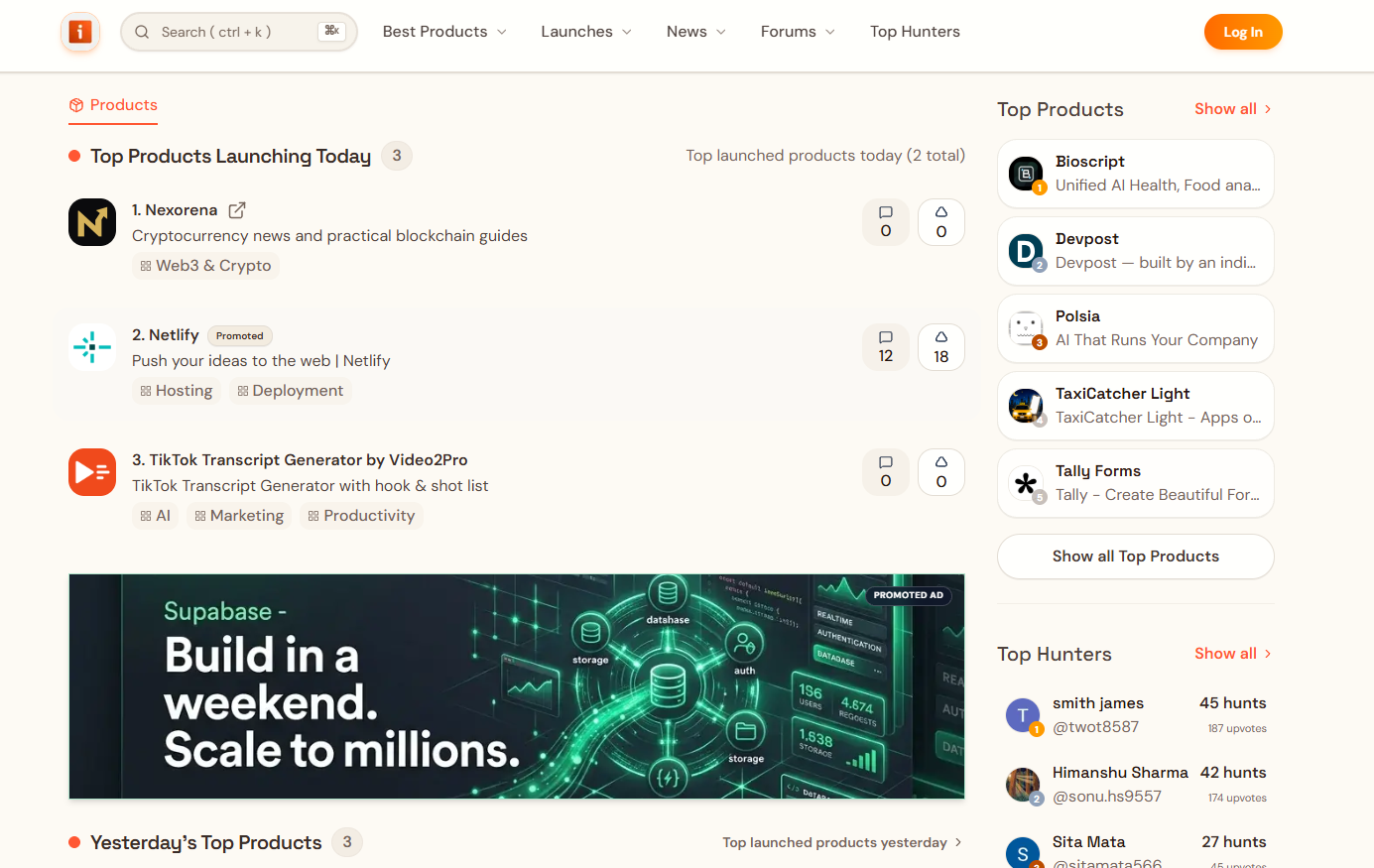
- 02
Complete the product and website fields requested by the destination
- 03
Review the URL, category, copy, and media before submitting
- 04
Record the submission date and follow up based on the expected review time
04EXPECTED OUTPUT
What gets published
A product name, description, website link, and any product media accepted by the destination.
Not suitable for
- Products that are not live or cannot be accessed publicly
- Products that clearly fall outside the destination eligibility criteria
The destination controls pricing, moderation and publication. DR is a recorded metric, not a guarantee of traffic or acceptance.
PREPARE. PUBLISH. FOLLOW UP.
Keep the work connected.
Use your website materials to prepare platform-specific content, record your submission and follow the published result.