 Submora
01 / PREPARATION CHECKLIST
Know the fields before you open the form.
Prepare the information below using the saved platform configuration. Required labels reflect that configuration; confirm the current form before submitting.
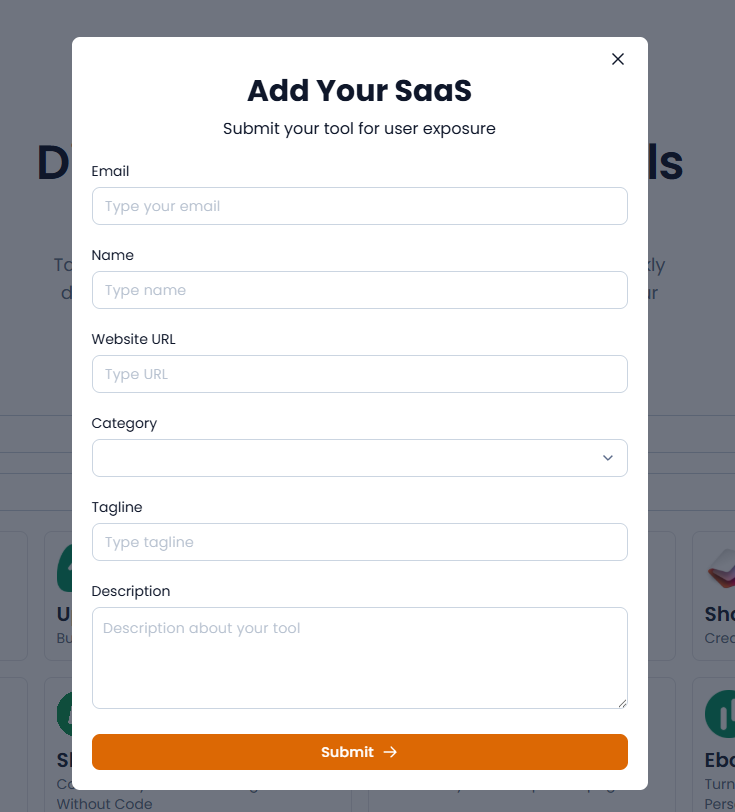
Type your email
Required- Input
- Email address
- Guidance
- Type your email
Type name
Required- Input
- Short text
- Guidance
- Type name
Type URL
Required- Input
- Short text
- Guidance
- Type URL
Rich text
Required- Input
- Choose one option
- Options
- Select... · AI · Automation · Blogging · Bots · Design · Design Tools · Developer Tools · Ebook · Email Marketing · Email Newsletters · Form Builder · Google Sheets · Kindle · Marketing · No Code · Notion · Payment · Productivity · SEO Tools · Social Media · Website builder · Work
Type tagline
Required- Input
- Short text
- Guidance
- Type tagline
Description about your tool
Required- Input
- Long text
- Guidance
- Description about your tool
02 / PLATFORM REQUIREMENTS
Before you submit
- Live SaaS website
- Contact email
- Product name
- Website URL
- Best-fit category
- Concise tagline
- Accurate product description
The standard on-page submission form shows no fee; optional promotion may be separate.
03 / PUBLISHING WORKFLOW
How to submit
- 01
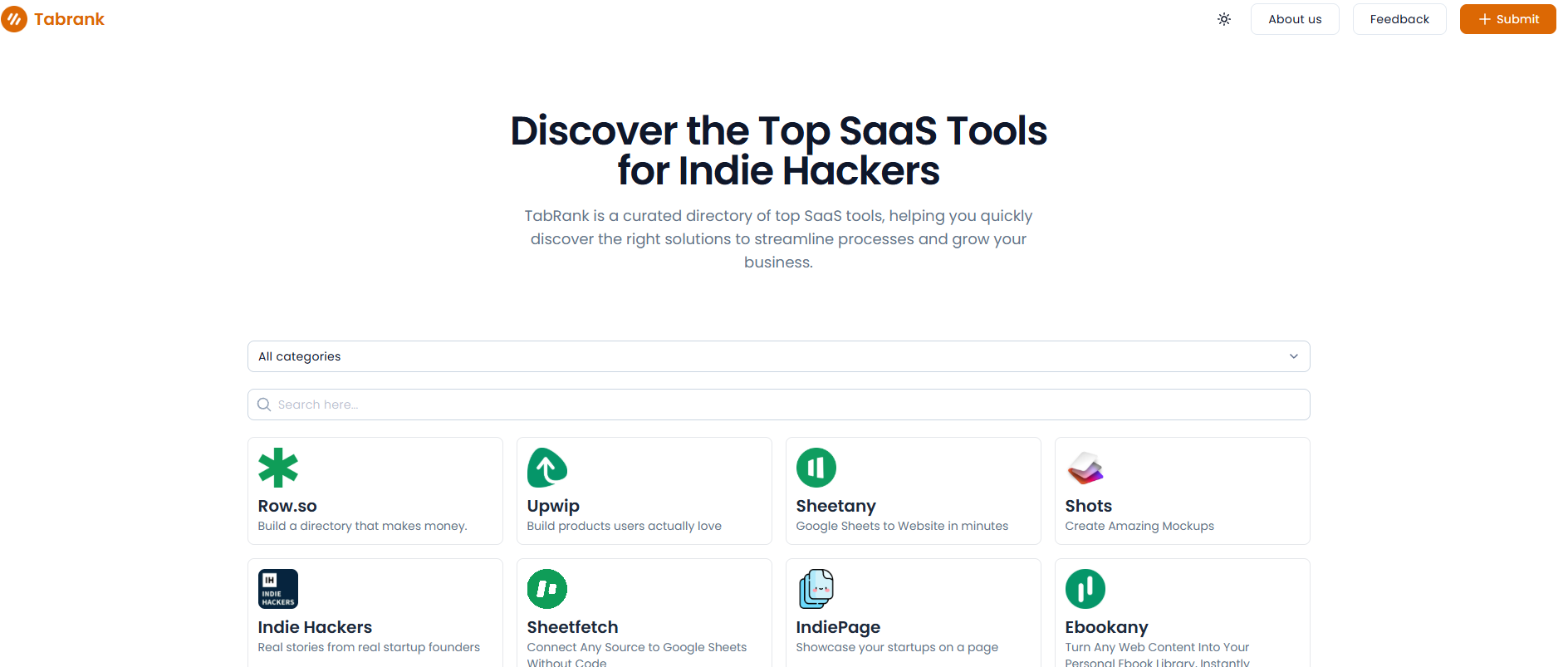
Open the TabRank home page
- 02
Enter email, name and website URL
- 03
Choose the closest category
- 04
Write a clear tagline and description
- 05
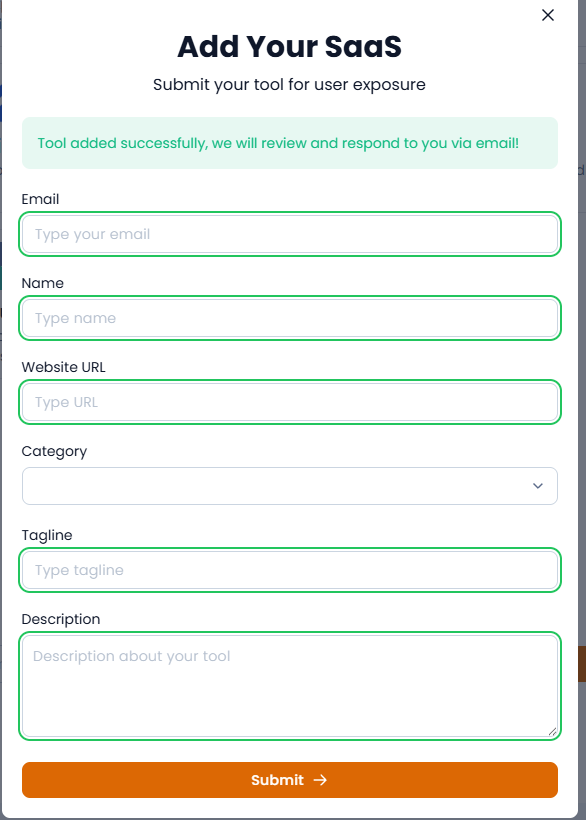
Submit and later search the directory for the result
04 / EXPECTED OUTPUT
What gets published
If accepted, a public SaaS card or listing with product name, tagline, description, category and website link.
Not suitable for
- Gaming & entertainment
- Local businesses
- Design & creative
- Education
- News & media
- Lifestyle
The destination controls pricing, moderation and publication. DR is a recorded metric, not a guarantee of traffic or acceptance.
PREPARE. PUBLISH. FOLLOW UP.
Keep the work connected.
Use your website materials to prepare platform-specific content, record your submission and follow the published result.