 Submora
01 / PREPARATION CHECKLIST
Know the fields before you open the form.
Prepare the information below using the saved platform configuration. Required labels reflect that configuration; confirm the current form before submitting.
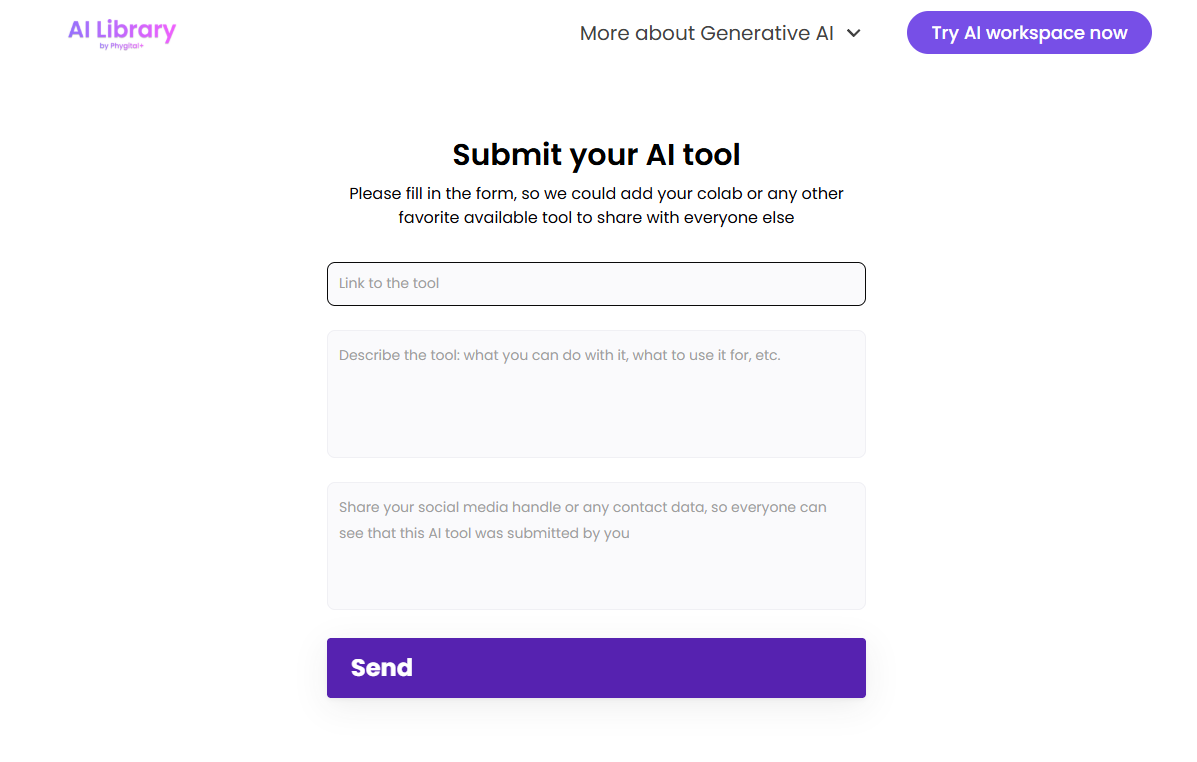
Link to the tool
Optional- Input
- Website URL
- Guidance
- Link to the tool
Describe the tool: what you can do with it, what to use it for, etc.
Optional- Input
- Long text
- Guidance
- Describe the tool: what you can do with it, what to use it for, etc.
Share your social media handle or any contact data, so everyone can see that thi
Optional- Input
- Email address
- Guidance
- Share your social media handle or any contact data, so everyone can see that this AI tool was submitted by you
02 / PLATFORM REQUIREMENTS
Before you submit
- Live AI tool URL
- Plain-language description of capabilities and use cases
- Public social handle or other contact information safe to display
The verified submission form has no payment step.
03 / PUBLISHING WORKFLOW
How to submit
- 01
Open the tool submission page
- 02
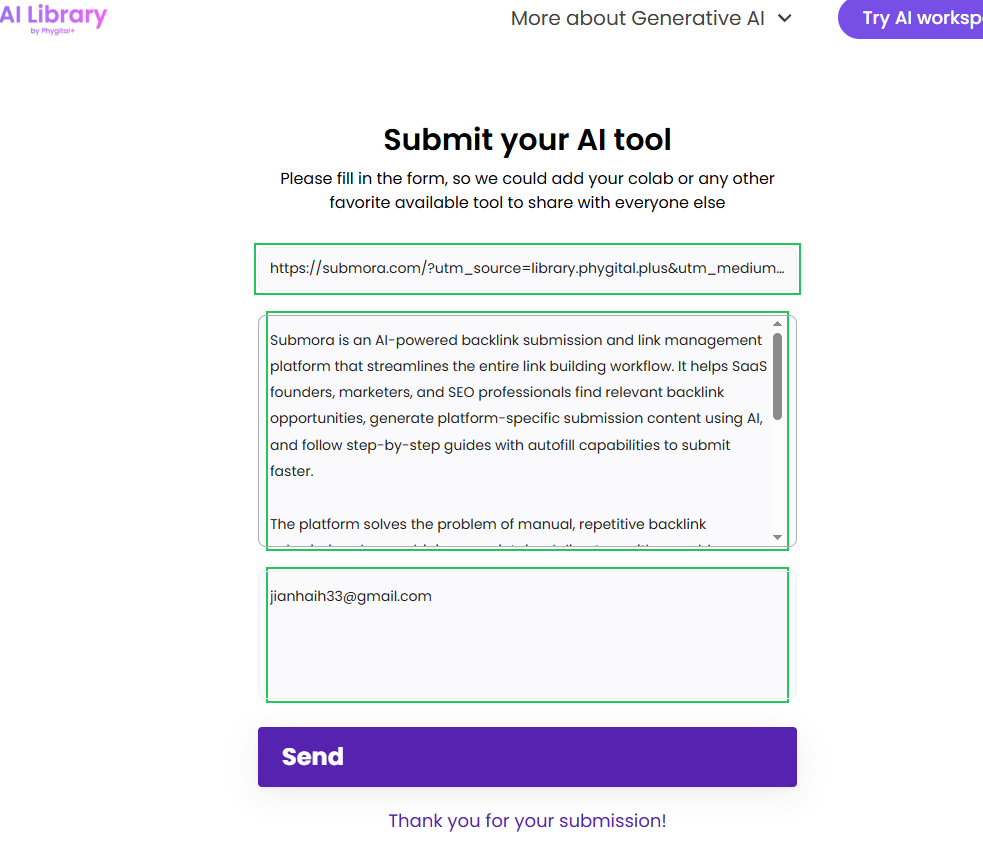
Paste the full HTTPS tool URL
- 03
Describe what the tool does and when to use it
- 04
Provide a public social handle rather than private contact data
- 05
Send the form
- 06
Treat it as low-priority and do not wait before continuing other submissions
04 / EXPECTED OUTPUT
What gets published
If selected, a public AI-library entry organized by capabilities and use case with an outbound tool link and submitter attribution.
Not suitable for
- Gaming & entertainment
- Local businesses
- E-commerce
- News & media
- Lifestyle
The destination controls pricing, moderation and publication. DR is a recorded metric, not a guarantee of traffic or acceptance.
PREPARE. PUBLISH. FOLLOW UP.
Keep the work connected.
Use your website materials to prepare platform-specific content, record your submission and follow the published result.