 Submora
01 / PREPARATION CHECKLIST
Know the fields before you open the form.
Prepare the information below using the saved platform configuration. Required labels reflect that configuration; confirm the current form before submitting.
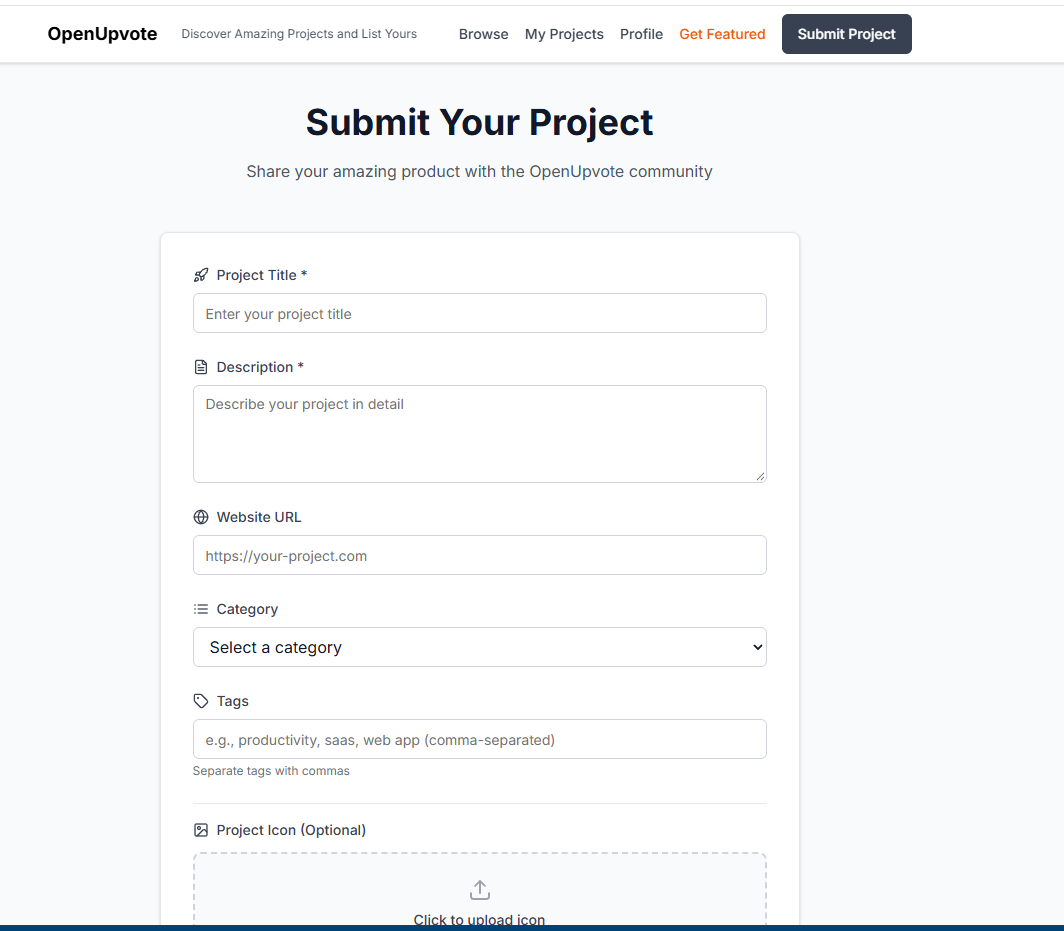
Project Title *
Required- Input
- Short text
- Form step
- Step 1
- Guidance
- Enter your project title
Description *
Required- Input
- Long text
- Form step
- Step 1
- Guidance
- Write a factual, detailed plain-text description of {product_name} for a software or AI tool directory. Keep the complete response between 100 and 2,000 characters. Begin by clearly stating what the tool is and the primary problem it solves. Then explain its most important verified capabilities, how users typically use it, the main use cases, and the people or teams it is designed for. Mention only features, integrations, pricing, results, and claims confirmed by the supplied website materials. Use natural, readable paragraphs. Do not use Markdown headings, bullet points, numbered lists, HTML, emojis, slogans, exaggerated claims, calls to action, or unsupported superlatives. Avoid repeating the product name or the same benefit unnecessarily. Output only the finished description.
Website URL
Optional- Input
- Website URL
- Form step
- Step 1
- Guidance
- https://your-project.com
Category
Optional- Input
- Choose one option
- Form step
- Step 1
- Options
- Select a categoryProductivityDeveloper ToolsDesignMarketingHealth & FitnessEducationFinanceEntertain
Tags
Optional- Input
- Short text
- Form step
- Step 1
- Guidance
- Tags
Project Icon (Optional)
Optional- Input
- Image upload
- Form step
- Step 1
- Image requirements
- Confirm file requirements on the submission form.
Project Images (Optional)0/10
Optional- Input
- Image upload
- Form step
- Step 1
- Image requirements
- Confirm file requirements on the submission form.
02 / PLATFORM REQUIREMENTS
Before you submit
- A publicly accessible product website
- Product name, concise description, and clear screenshots
- A product that matches the destination eligibility criteria
A free submission path is available; paid acceleration or upgrades are optional.
03 / PUBLISHING WORKFLOW
How to submit
- 01
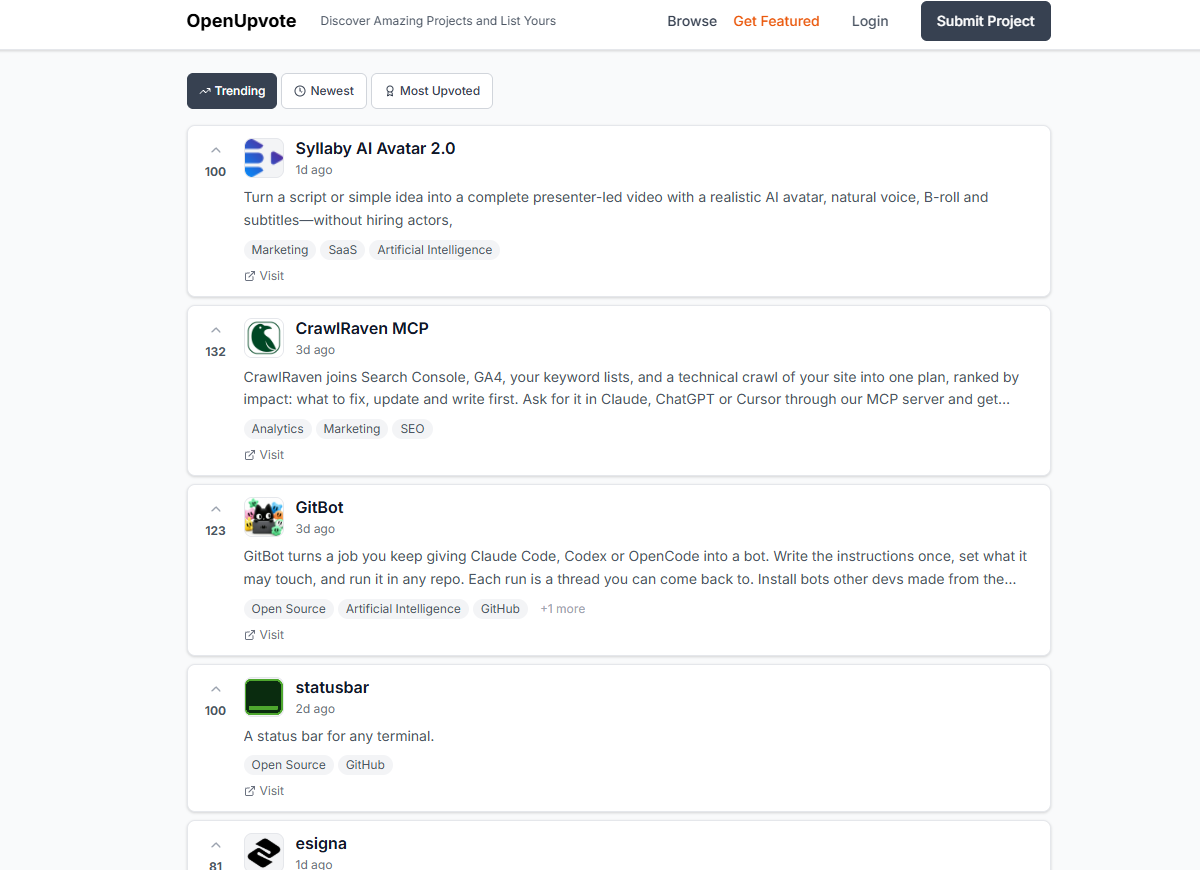
Open the submission page and sign in or create an account if required
- 02
Complete the product and website fields requested by the destination
- 03
Review the URL, category, copy, and media before submitting
- 04
Record the submission date and follow up based on the expected review time
04 / EXPECTED OUTPUT
What gets published
A product name, description, website link, and any product media accepted by the destination.
Not suitable for
- Products that are not live or cannot be accessed publicly
- Products that clearly fall outside the destination eligibility criteria
The destination controls pricing, moderation and publication. DR is a recorded metric, not a guarantee of traffic or acceptance.
PREPARE. PUBLISH. FOLLOW UP.
Keep the work connected.
Use your website materials to prepare platform-specific content, record your submission and follow the published result.