 Submora
01 / PREPARATION CHECKLIST
Know the fields before you open the form.
Prepare the information below using the saved platform configuration. Required labels reflect that configuration; confirm the current form before submitting.
Title
Optional- Input
- Image upload
- Guidance
- Write one specific, useful Medium article headline based on the verified product facts. The Story generated in this same response must directly fulfill this headline. Avoid clickbait, vague claims, lists of keywords, and the product name alone.
- Image requirements
- Confirm file requirements on the submission form.
Story
Optional- Input
- Image upload
- Guidance
- Write a professional tech report of 500–800 words that objectively introduces the target website. Adopt a neutral, authoritative tech media tone, no hard advertising, no exaggerated promotion, no keyword stacking, and no obvious SEO traces. Structure the article with an opening overview, platform core functions, technical advantages, applicable user scenarios, and a reasonable concluding outlook. Naturally embed **one target site tracking link as a hyperlink** in the body content. Keep the writ
- Image requirements
- Confirm file requirements on the submission form.
02 / PLATFORM REQUIREMENTS
Before you submit
- LiveJournal account
- Original useful story, guide or update
- Title and complete post body
- Relevant images and tags
- Only contextual links
- Appropriate public privacy setting
Basic account and public journal publishing are free; optional premium features may be paid.
03 / PUBLISHING WORKFLOW
How to submit
- 01
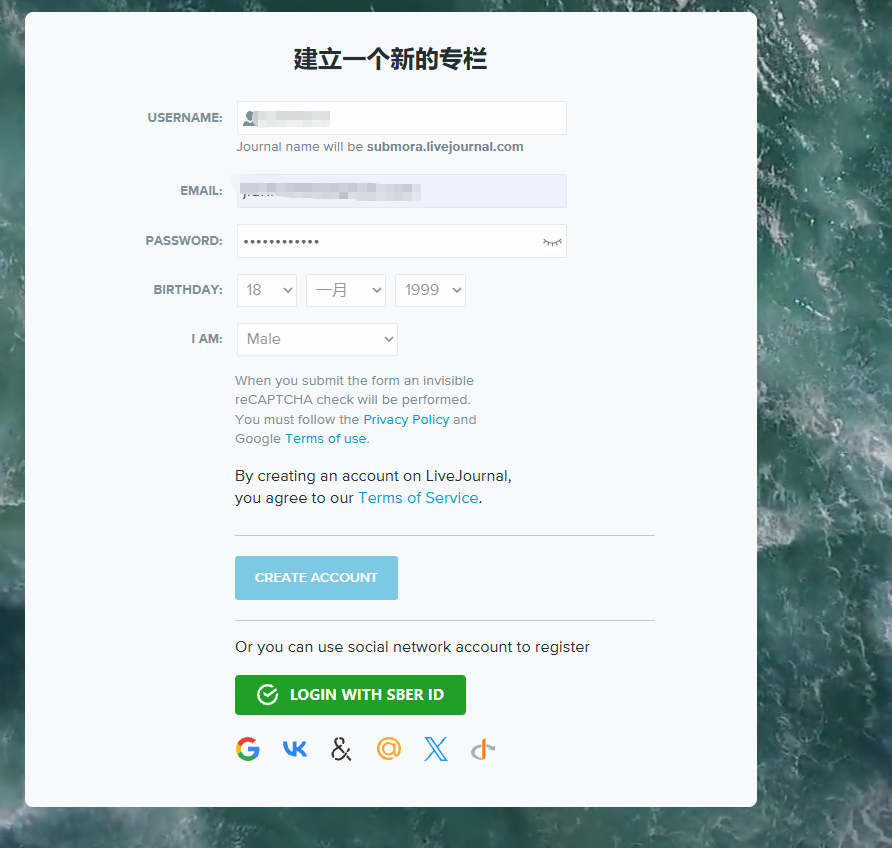
Create an account or sign in
- 02
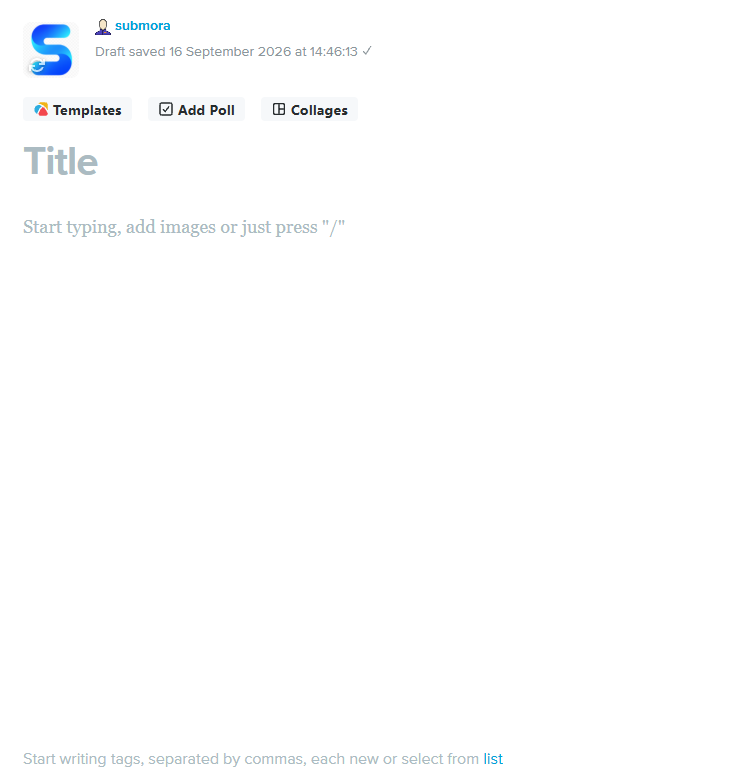
Start a new journal entry
- 03
Write useful original content for a real audience
- 04
Add relevant images, tags and contextual links
- 05
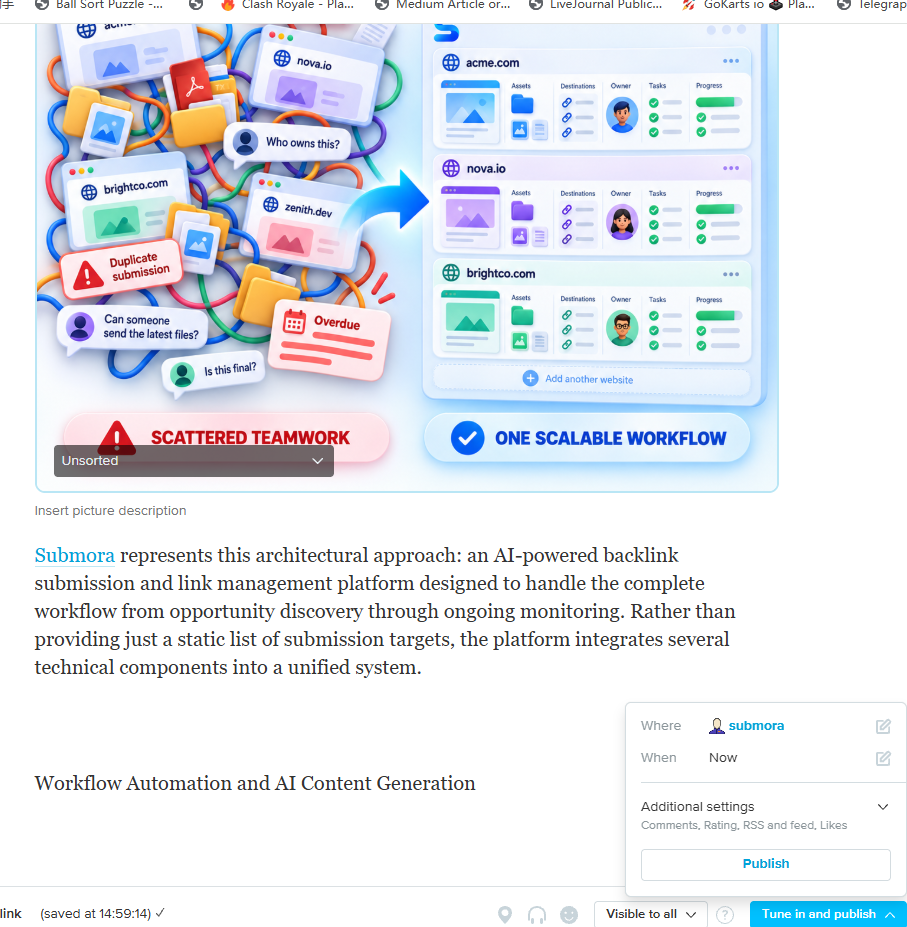
Set visibility to Everyone
- 06
Preview and publish
- 07
Record the public entry URL
04 / EXPECTED OUTPUT
What gets published
A user-controlled public LiveJournal entry with text, media, tags, comments and contextual links.
The destination controls pricing, moderation and publication. DR is a recorded metric, not a guarantee of traffic or acceptance.
PREPARE. PUBLISH. FOLLOW UP.
Keep the work connected.
Use your website materials to prepare platform-specific content, record your submission and follow the published result.