 Submora
01 / PREPARATION CHECKLIST
Know the fields before you open the form.
Prepare the information below using the saved platform configuration. Required labels reflect that configuration; confirm the current form before submitting.
- Input
- Email address
tool_name
Required- Input
- Short text
tool_url
Required- Input
- Short text
short_description
Optional- Input
- Short text
information_about_your_tool
Optional- Input
- Long text
featured_image
Required- Input
- Image upload
- Image requirements
- Confirm file requirements on the submission form.
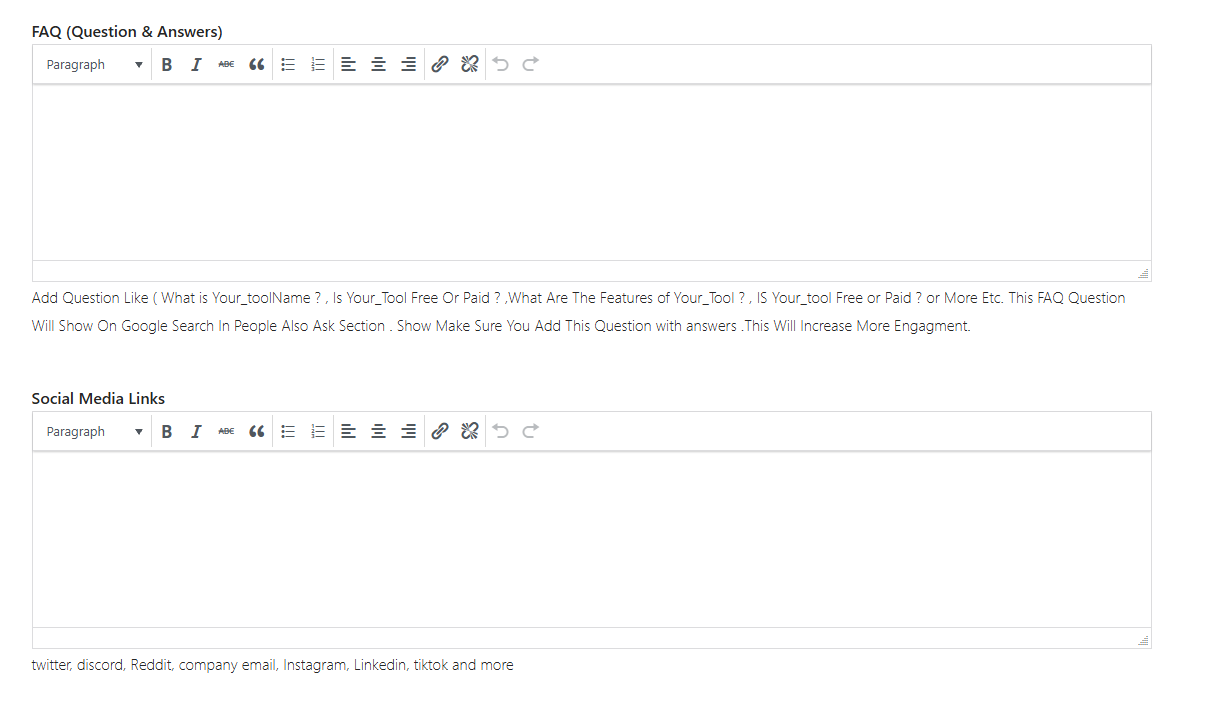
faq_question_amp_answers
Optional- Input
- Long text
social_media_links
Optional- Input
- Long text
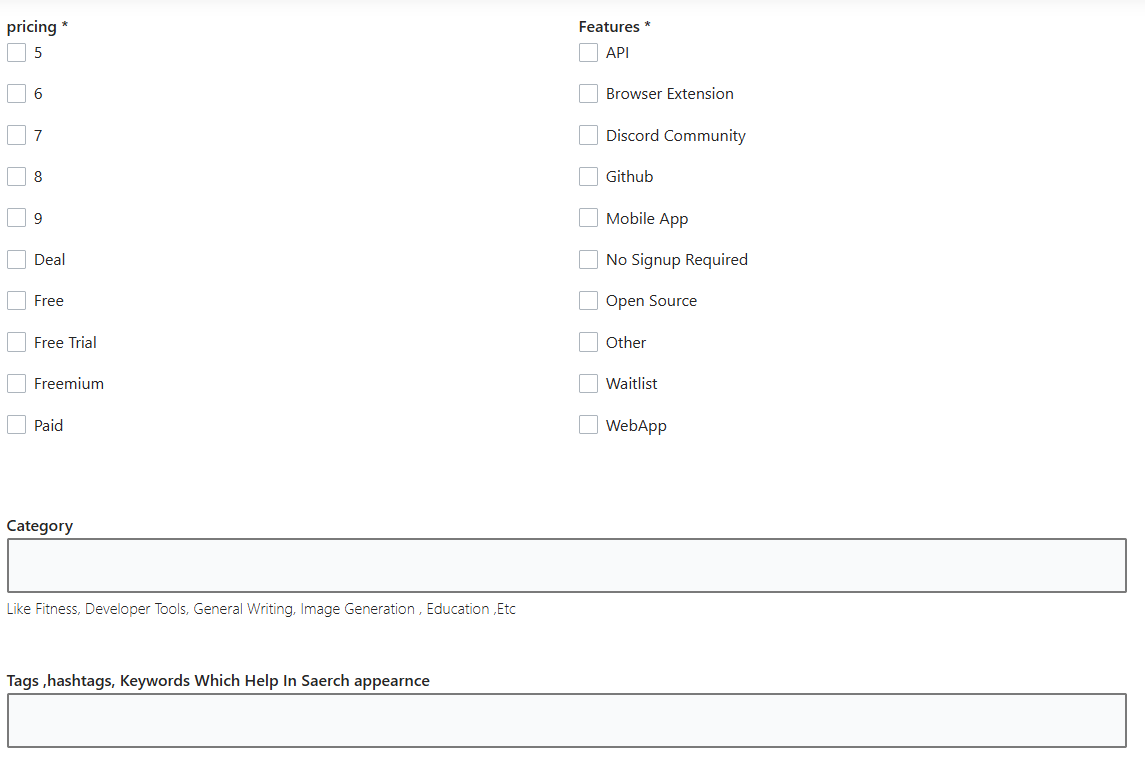
pricing[]
Required- Input
- Choose multiple options
- Options
- 5 · 6 · 7 · 8 · 9 · Deal · Free · Free Trial · Freemium · Paid
category
Optional- Input
- Short text
tags_hashtags_keywords_which_help_in_saerch_appearnce
Optional- Input
- Short text
02 / PLATFORM REQUIREMENTS
Before you submit
- An AiSuperSmart account and a working AI tool
- Contact email, official tool name, and complete website URL
- One-line short description and detailed product information
- A clear website UI image or thumbnail up to 15 MB
- Accurate pricing, features, category, and search tags
- Optional factual FAQ and confirmed social-media links
The standard tool submission is free.
03 / PUBLISHING WORKFLOW
How to submit
- 01
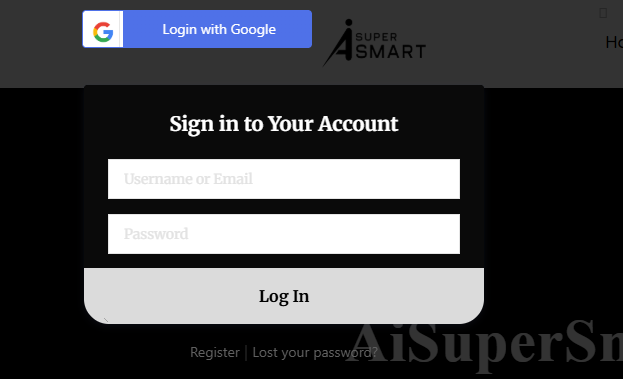
Sign in in to AiSuperSmart and open the Submit Tool page.
- 02
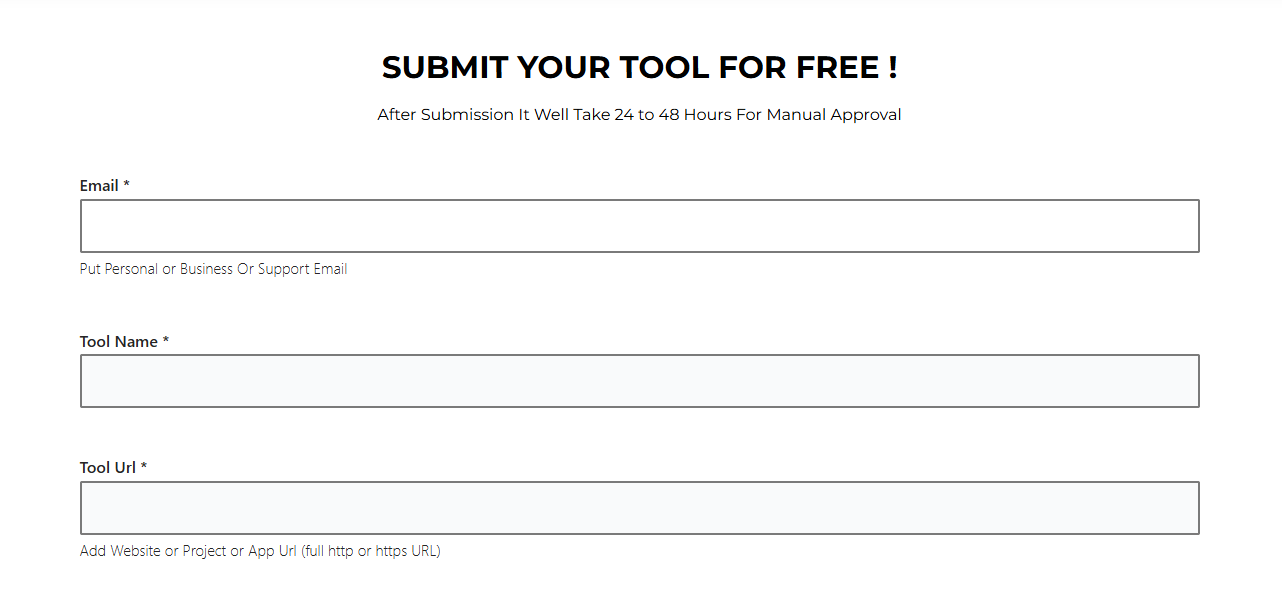
Enter the confirmed contact email, official tool name, and full website URL.
- 03
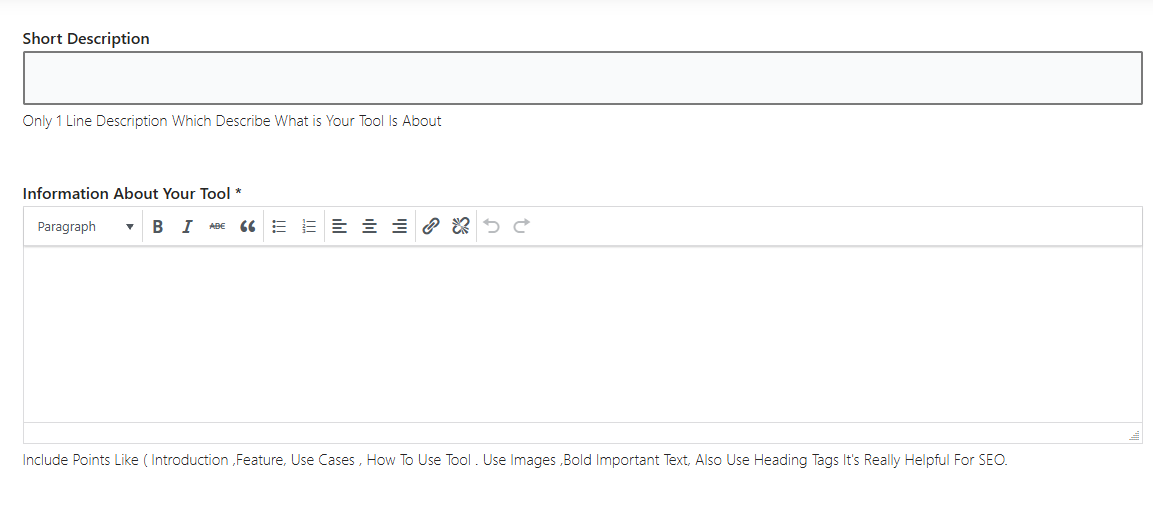
Add a one-line short description that accurately explains the tool.
- 04
Write the detailed tool information, covering the introduction, features, use cases, and how to use it.
- 05
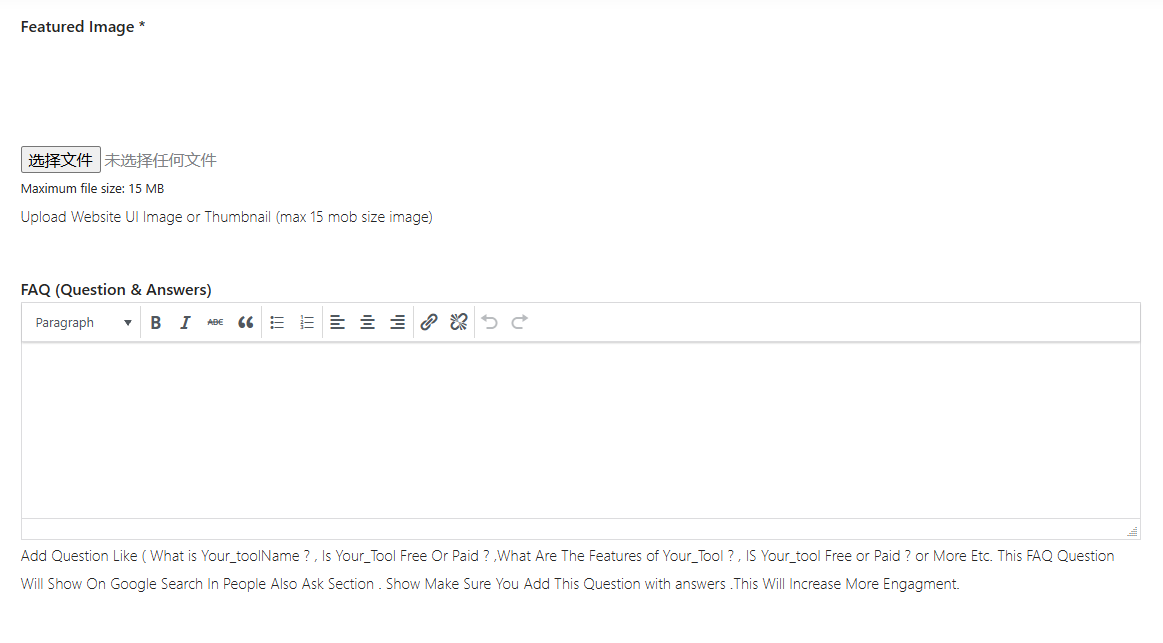
Upload a clear website UI image or thumbnail. The destination states a 15 MB maximum.
- 06
Add factual FAQ content and confirmed official social-media links when available.
- 07
Select only the pricing and feature options that truthfully match the product, then enter the best category and focused tags.
- 08
Review every field, submit for moderation, and save the public result URL in Submora after approval.
04 / EXPECTED OUTPUT
What gets published
If approved, a public profile with category, description, media and website link.
Not suitable for
- Local businesses
The destination controls pricing, moderation and publication. DR is a recorded metric, not a guarantee of traffic or acceptance.
PREPARE. PUBLISH. FOLLOW UP.
Keep the work connected.
Use your website materials to prepare platform-specific content, record your submission and follow the published result.