 Submora
01PREPARATION CHECKLIST
Know the fields before you open the form.
Prepare the information below using the saved platform configuration. Required labels reflect that configuration; confirm the current form before submitting.
01
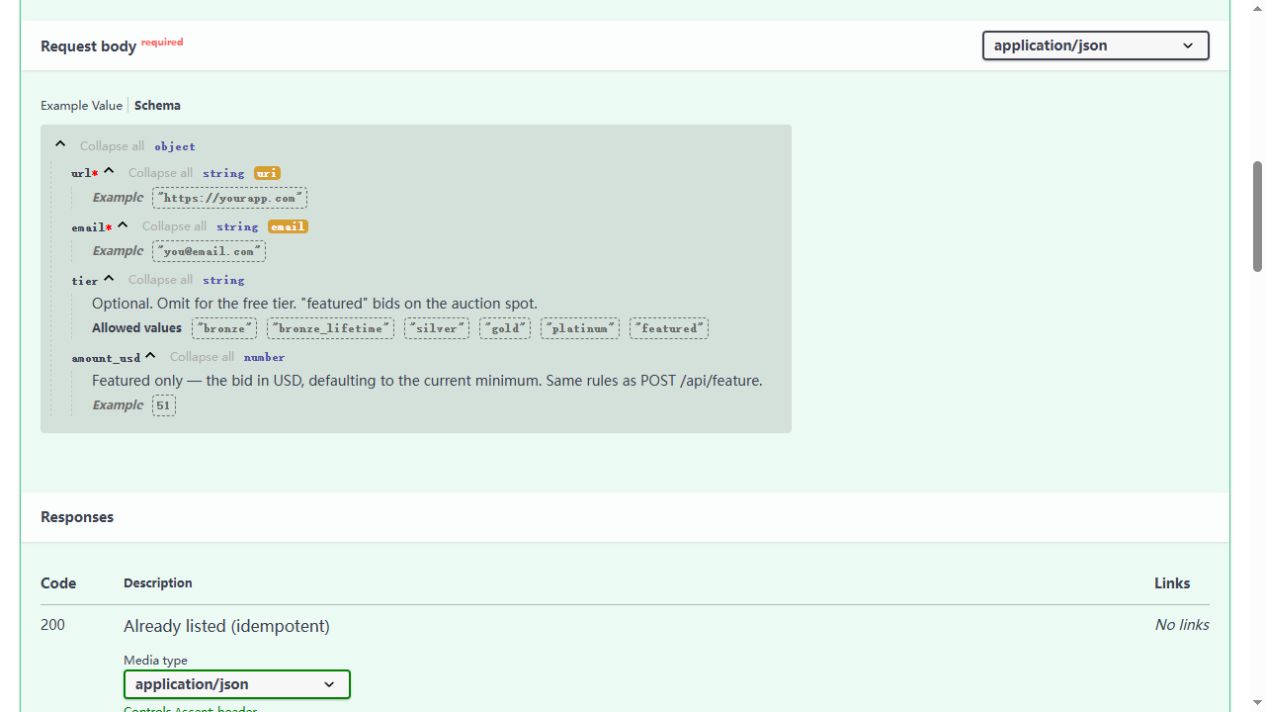
url
Required- Input
- Website URL
02email
Required
- Input
- Email address
03
tier
Optional- Input
- Choose one option
- Requirements
- Optional paid tier. Leave empty for a free listing. The user must choose any paid upgrade.
- Options
- bronze · bronze_lifetime · silver · gold · platinum · featured
04
amount_usd
Optional- Input
- Short text
- Requirements
- Optional amount for the featured tier only. Leave empty for free submissions; never infer a spending amount.
02PLATFORM REQUIREMENTS
Before you submit
- A publicly accessible website URL
- A confirmed submission email
- Use a paid tier or featured amount only when explicitly chosen by the user
Free when tier and amount_usd are omitted. Optional paid tiers and featured amounts must be chosen by the user.
03PUBLISHING WORKFLOW
How to submit
- 01
Read the official CurlShip API documentation and schema. No account or web form is required.
- 02
Prepare the required url and email parameters. For a free listing, omit tier and amount_usd.Send the documented API request only when ready to submit. Optional tiers are bronze, bronze_lifetime, silver, gold, platinum and featured; amount_usd applies only to featured.
- 03
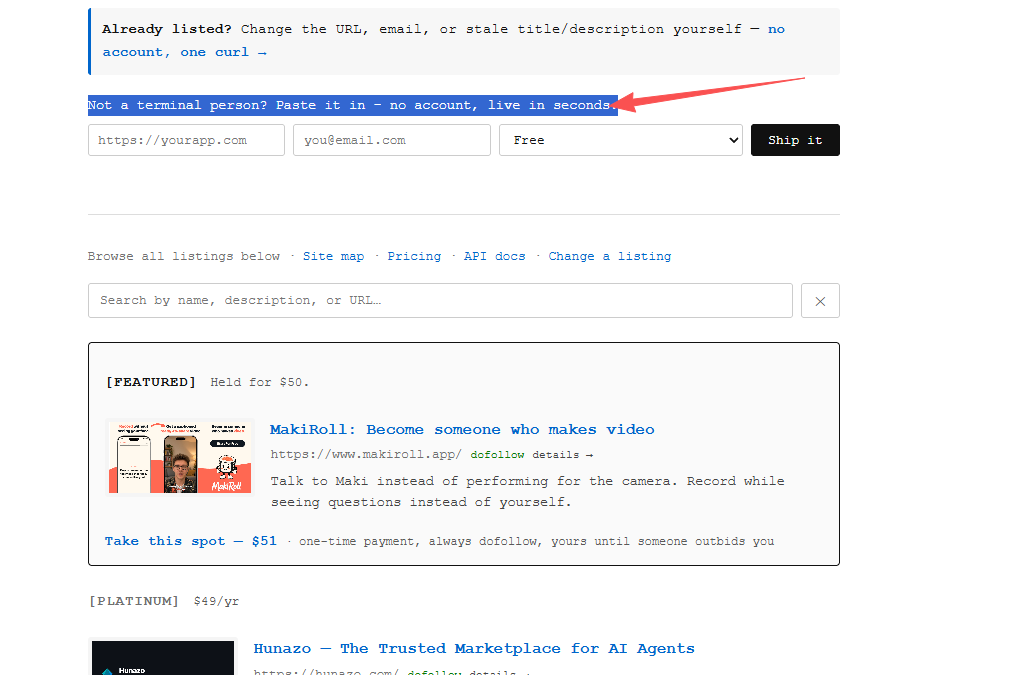
Not a terminal person? Paste it in - no account, live in seconds:
- 04
Check the API response and actual public listing URL. The free listing is immediate with a nofollow link; optional badge verification can enable dofollow.
04EXPECTED OUTPUT
What gets published
A website directory listing and backlink. A successful submission and actual public URL must be checked.
Not suitable for
- Products that are not live or cannot be accessed publicly
- Products that clearly fall outside the destination eligibility criteria
The destination controls pricing, moderation and publication. DR is a recorded metric, not a guarantee of traffic or acceptance.
PREPARE. PUBLISH. FOLLOW UP.
Keep the work connected.
Use your website materials to prepare platform-specific content, record your submission and follow the published result.