 Submora
01PREPARATION CHECKLIST
Know the fields before you open the form.
Prepare the information below using the saved platform configuration. Required labels reflect that configuration; confirm the current form before submitting.
01
Product name
Required- Input
- Short text
- Form step
- Step 1
02
Tagline
Required- Input
- Short text
- Form step
- Step 1
03
Category
Required- Input
- Choose one option
- Form step
- Step 1
- Options
- AI / ML · AI x Crypto · DeAI (Decentralized AI) · Developer Tools · Infrastructure · No-Code / Low-Code · Open Source · SaaS · FinTech · DeFi · RWA (Real World Assets) · Payments · Insurance Tech · Productivity · Lifestyle · Social · Gaming / GameFi · Creator Economy · Media & Content · HealthTech · Bio-Tech & Longevity · EdTech · CleanTech / Climate · LegalTech · HRTech · PropTech · AgriTech · LogisticsTech · DAO Tooling · NFT & Digital Assets · Privacy & Security · Wallet & Identity · Cross-Chain · E-commerce · Other
04
What it does and who it helps
Required- Input
- Long text
- Form step
- Step 2
- Requirements
- 30–2,000 characters. Explain the problem, alternatives, what changes and who benefits.
05
Website
Required- Input
- Website URL
- Form step
- Step 3
06
GitHub repository
Optional- Input
- Website URL
- Form step
- Step 3
07
Product X URL
Optional- Input
- Website URL
- Form step
- Step 3
08
Pitch deck URL
Optional- Input
- Website URL
- Form step
- Step 3
09
Cover
Optional- Input
- Image upload
- Form step
- Step 4
- Requirements
- Click Add media, choose Type Cover, then Upload or Link. Each row accepts one image. Add separate rows for multiple images. Dynamic row creation and upload are not yet autofill-verified; manually review previews.
- Image requirements
- Up to 8.0 MB · image/jpeg · image/png · image/webp
10
Logo
Optional- Input
- Image upload
- Form step
- Step 4
- Requirements
- Click Add media, choose Type Logo, then Upload or Link. Each row accepts one image. Add separate rows for multiple images. Dynamic row creation and upload are not yet autofill-verified; manually review previews.
- Image requirements
- Up to 8.0 MB · image/jpeg · image/png · image/webp
11
Screenshot
Optional- Input
- Image upload
- Form step
- Step 4
- Requirements
- Click Add media, choose Type Screenshot, then Upload or Link. Each row accepts one image. Add separate rows for multiple images. Dynamic row creation and upload are not yet autofill-verified; manually review previews.
- Image requirements
- Up to 8.0 MB · image/jpeg · image/png · image/webp
12
Video
Optional- Input
- Website URL
- Form step
- Step 4
- Requirements
- Add media → Type Video. At most 2 videos; MP4/WebM uploads up to50MB, or a public HTTPS/YouTube link. No video URL is invented. Dynamic video controls remain manually verified.
13
Builder display name
Required- Input
- Short text
- Form step
- Step 5
14
Founder X URL
Optional- Input
- Short text
- Form step
- Step 5
02PLATFORM REQUIREMENTS
Before you submit
- An eligible builder account; new accounts require an actual declaration that the user is at least 18
Submission fees are unverified. No payment was made during verification. Check any later fee or checkout requirements before final submission.
03PUBLISHING WORKFLOW
How to submit
- 01
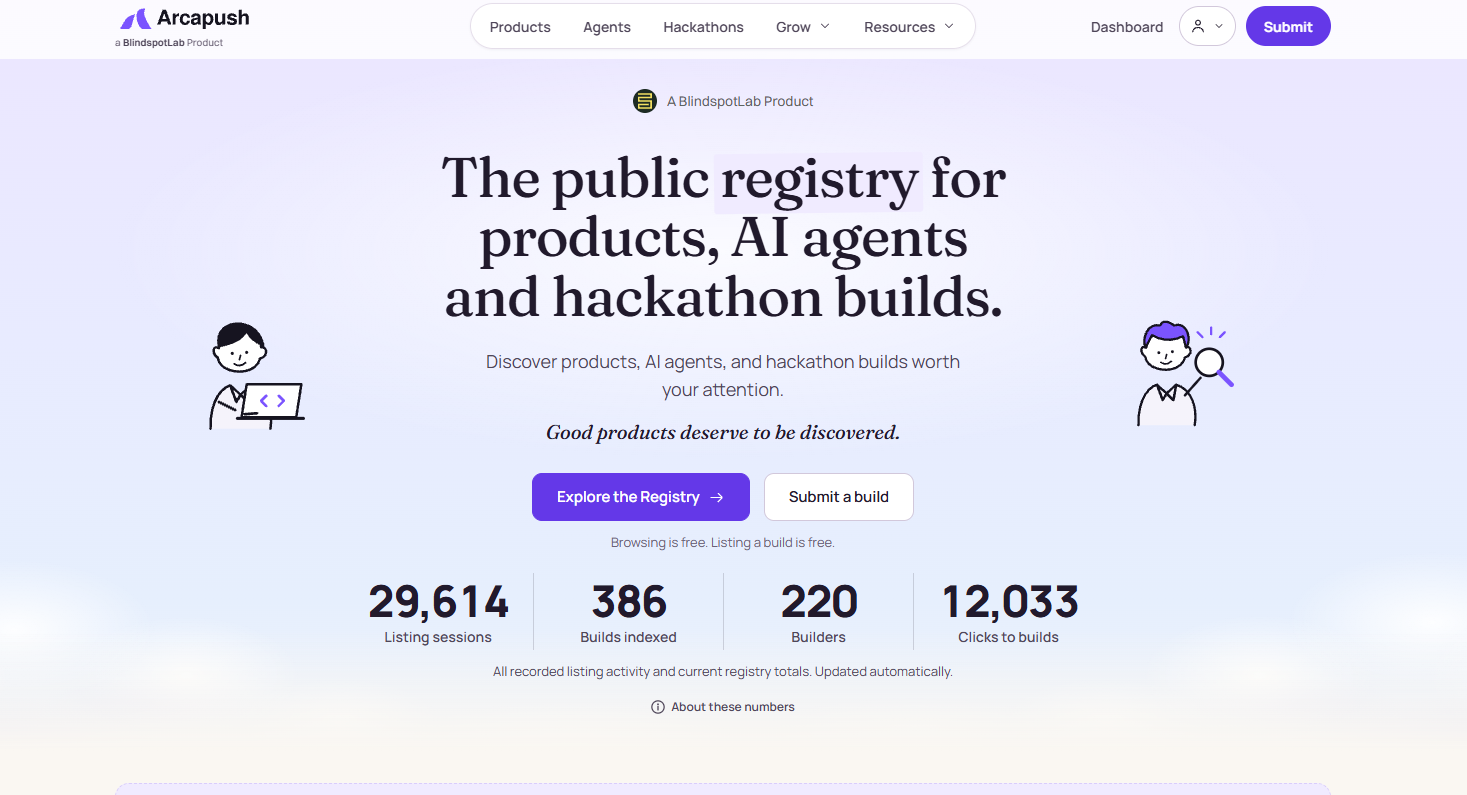
Sign in with Google, then open Submit Project from the navigation.
- 02
Complete actual Project Details. Brand & media: Add media creates a row. Choose type Cover/Logo/Screenshot/Video, Upload or Link. Images JPEG/PNG/WebP<=8MB; Cover1/Logo1/Screenshot6; Video2 MP4/WebM<=50MB. Remove unfinished empty rows before saving. Dynamic media auto-fill not verified.
- 03
Builder: display name required<=100; optional founder X. STOP: Save & continue on this step submitted during inspection; treat it as final submission, not harmless navigation.
- 04
Use Next only after required materials are ready. The Review stage and final submission were not inspected, so confirm additional fields, payment and approval conditions before publishing.
04EXPECTED OUTPUT
What gets published
A product name, description, website link, and any product media accepted by the destination.
Not suitable for
- Products that are not live or cannot be accessed publicly
- Products that clearly fall outside the destination eligibility criteria
The destination controls pricing, moderation and publication. DR is a recorded metric, not a guarantee of traffic or acceptance.
PREPARE. PUBLISH. FOLLOW UP.
Keep the work connected.
Use your website materials to prepare platform-specific content, record your submission and follow the published result.