 Submora
Know the fields before you open the form.
Prepare the information below using the saved platform configuration. Required labels reflect that configuration; confirm the current form before submitting.
Before you submit
No specific requirements have been recorded. Review the destination’s current instructions before preparing your submission.
Submission fees are unverified. No payment was made during verification. Check any later fee or checkout requirements before final submission.
How to submit
- 01
Open the actual product submission entry point.
- 02
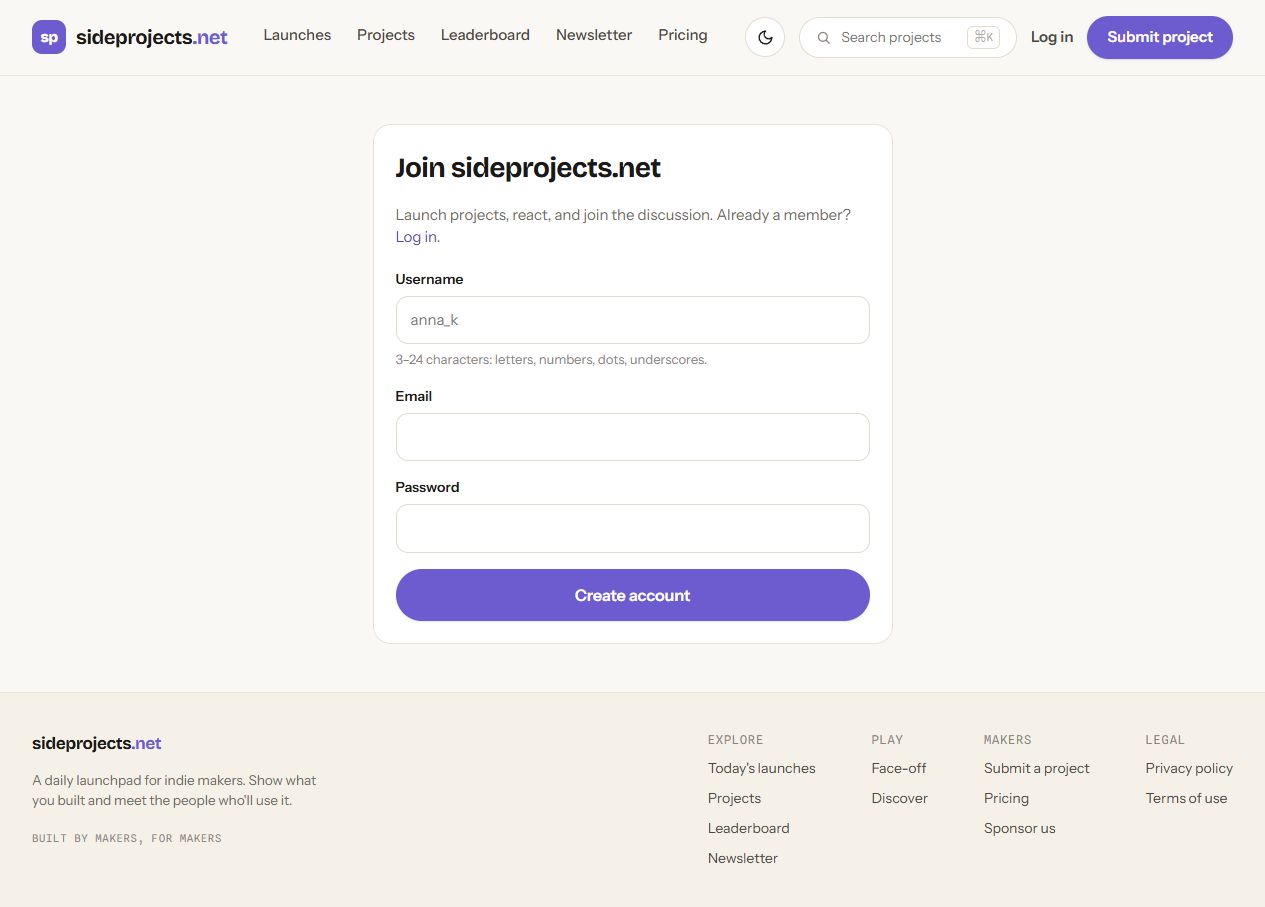
The submission route redirects to login. Login requires email and password; registration requires username (3–24 characters), email and a new password. Neither inspected page provides Google login. An existing account or user-completed credential setup is needed to reach the actual product fields. No new password or account was created.
- 03
Recheck when the entry point or account access is available. Verify product fields, fees, review and publication conditions before submitting.
What gets published
A product name, description, website link, and any product media accepted by the destination.
Not suitable for
- Products that are not live or cannot be accessed publicly
- Products that clearly fall outside the destination eligibility criteria
The destination controls pricing, moderation and publication. DR is a recorded metric, not a guarantee of traffic or acceptance.
PREPARE. PUBLISH. FOLLOW UP.
Keep the work connected.
Use your website materials to prepare platform-specific content, record your submission and follow the published result.