 Submora
01PREPARATION CHECKLIST
Know the fields before you open the form.
Prepare the information below using the saved platform configuration. Required labels reflect that configuration; confirm the current form before submitting.
A field-by-field checklist has not yet been recorded for this platform. Use the official form to confirm its current fields; the requirements below are the available preparation guidance.
02PLATFORM REQUIREMENTS
Before you submit
- Existing email/password account or user-completed signup
- Permanent email address; disposable email submissions are not approved
Submission fees are unverified. No payment was made during verification. Check any later fee or checkout requirements before final submission.
03PUBLISHING WORKFLOW
How to submit
- 01
Open Submit App, which leads to Create Account. Use a permanent email address; disposable addresses are not accepted for product approval.
- 02
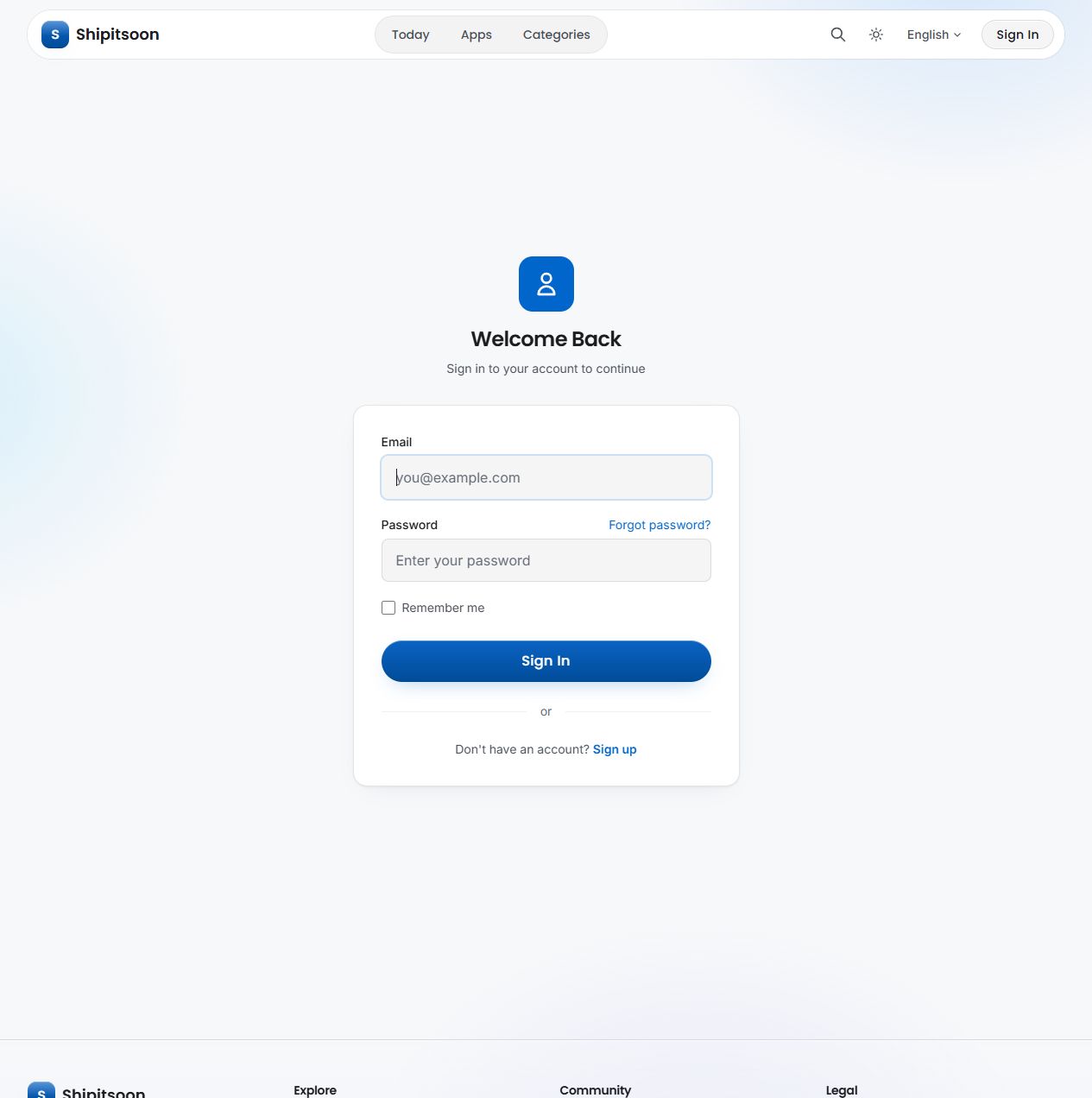
Use an existing account or complete password setup yourself. Neither signup nor sign-in showed Google login.
- 03
After account access is available, inspect actual product fields, fees, review and launch scheduling. These remain unverified; no product was submitted.
04EXPECTED OUTPUT
What gets published
A product name, description, website link, and any product media accepted by the destination.
Not suitable for
- Products that are not live or cannot be accessed publicly
- Products that clearly fall outside the destination eligibility criteria
The destination controls pricing, moderation and publication. DR is a recorded metric, not a guarantee of traffic or acceptance.
PREPARE. PUBLISH. FOLLOW UP.
Keep the work connected.
Use your website materials to prepare platform-specific content, record your submission and follow the published result.