 Submora
01PREPARATION CHECKLIST
Know the fields before you open the form.
Prepare the information below using the saved platform configuration. Required labels reflect that configuration; confirm the current form before submitting.
01
Description
Optional- Input
- Long text
02PLATFORM REQUIREMENTS
Before you submit
- Notion account and workspace
- Complete page content
- use AI write
- Accurate title and description
- Useful sections, media or database views
- Relevant official links
- Review of nested subpages
Free publishing and indexing are available; custom domains and advanced customization may be paid.
03PUBLISHING WORKFLOW
How to submit
- 01
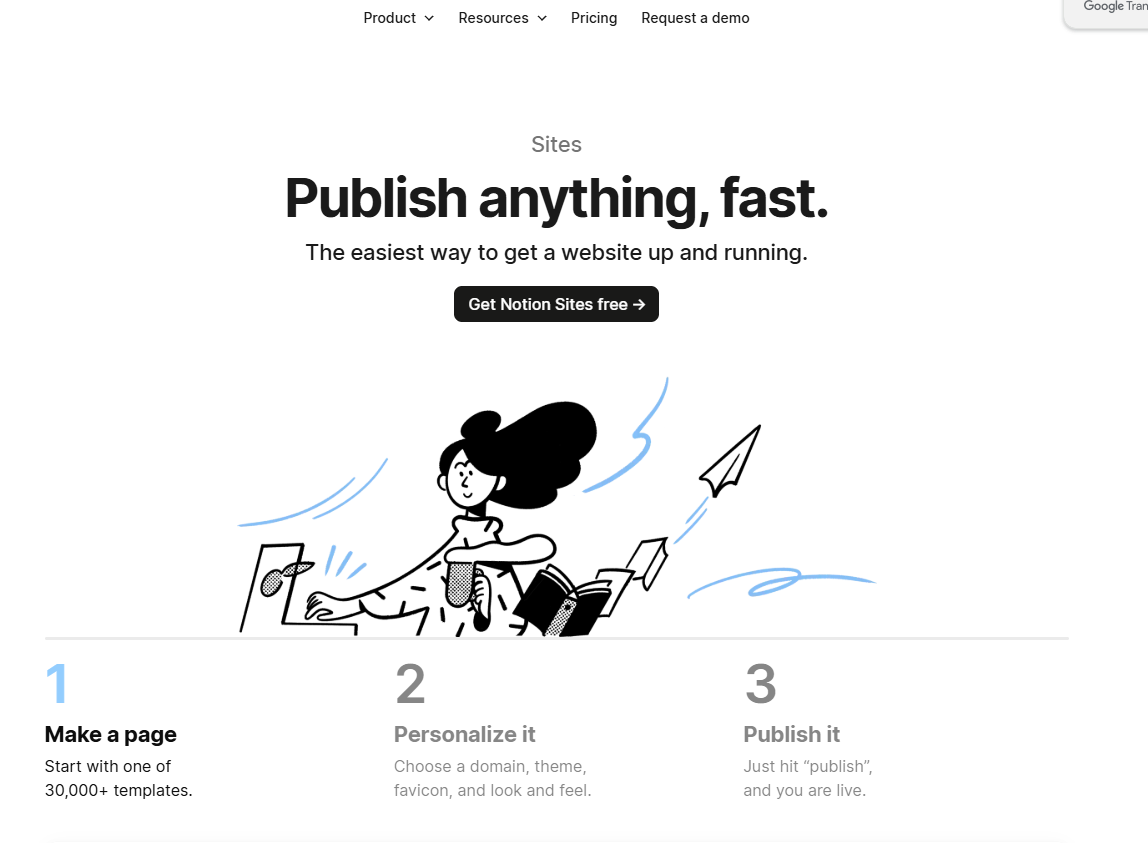
Create or open the page
- 02
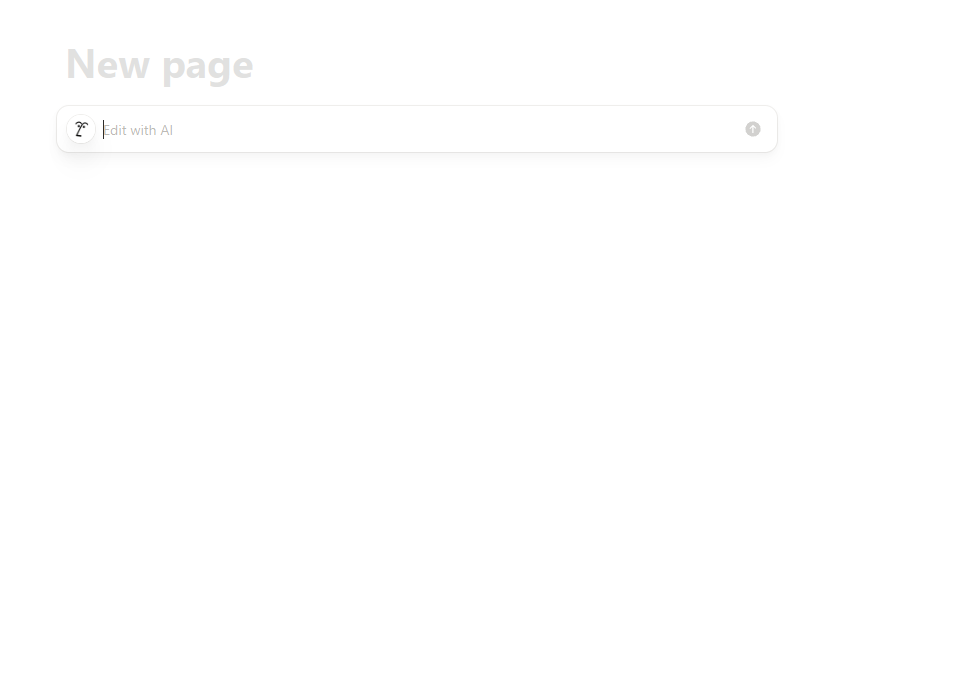
use AI write Organize useful content
- 03
Check links, permissions and subpages
- 04
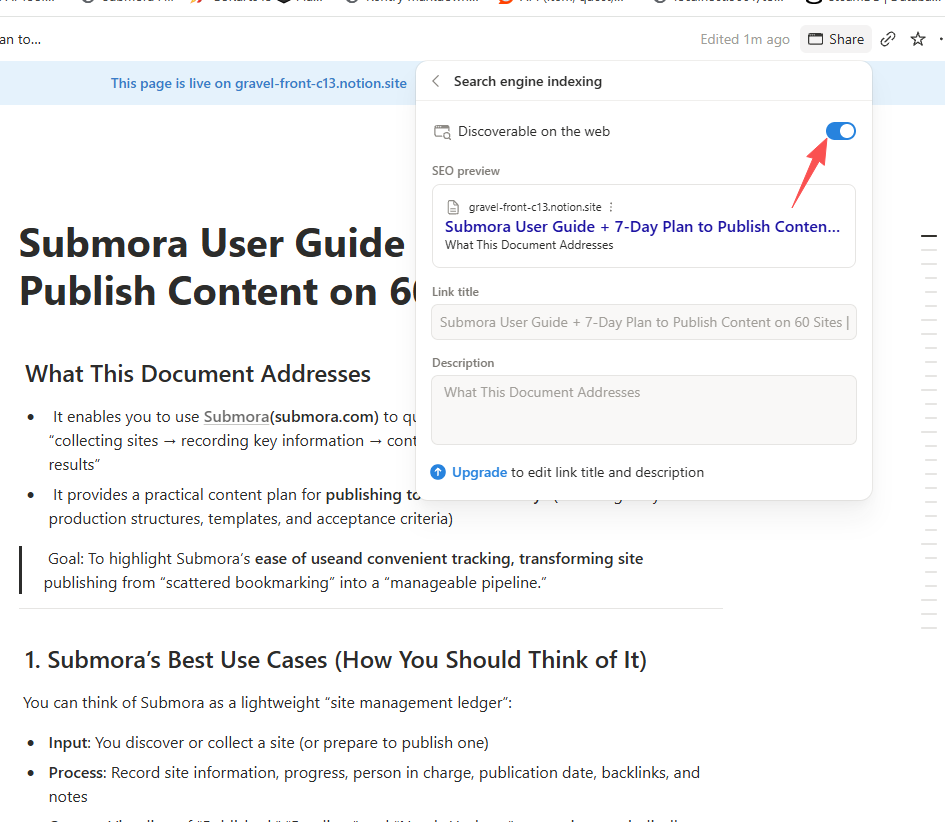
Choose Share then Publish
- 05
Enable indexing if appropriate
- 06
Open View site and record the public URL
04EXPECTED OUTPUT
What gets published
A public Notion Site with the selected page and permitted subpages, including text, media, databases and contextual links.
The destination controls pricing, moderation and publication. DR is a recorded metric, not a guarantee of traffic or acceptance.
PREPARE. PUBLISH. FOLLOW UP.
Keep the work connected.
Use your website materials to prepare platform-specific content, record your submission and follow the published result.