 Submora
01PREPARATION CHECKLIST
Know the fields before you open the form.
Prepare the information below using the saved platform configuration. Required labels reflect that configuration; confirm the current form before submitting.
01
Website URL *
Required- Input
- Website URL
- Form step
- Step 1
02
Website Title *
Required- Input
- Short text
- Form step
- Step 1
03
Tagline *
Required- Input
- Short text
- Form step
- Step 1
04
Description *
Required- Input
- Long text
- Form step
- Step 1
05
Why do startups need this tool?
Optional- Input
- Long text
- Form step
- Step 1
06
Alternatives
Optional- Input
- Short text
- Form step
- Step 1
07
Key Features
Optional- Input
- Long text
- Form step
- Step 1
08
Use Cases
Optional- Input
- Long text
- Form step
- Step 1
09
FAQs
Optional- Input
- Long text
- Form step
- Step 1
10
Category *
Required- Input
- Choose one option
- Form step
- Step 1
- Options
- Select a category · Productivity · AI Agent · Analytics · Ecommerce · Development · Finance · LLMs · Marketing & Sales · No-code · Physical · Social
11
Logo Image
Optional- Input
- Image upload
- Form step
- Step 1
- Image requirements
- Confirm file requirements on the submission form.
02PLATFORM REQUIREMENTS
Before you submit
- A publicly accessible product website
- Product name, concise description, and clear screenshots
- A product that matches the destination eligibility criteria
A free submission path is available; paid acceleration or upgrades are optional.
03PUBLISHING WORKFLOW
How to submit
- 01
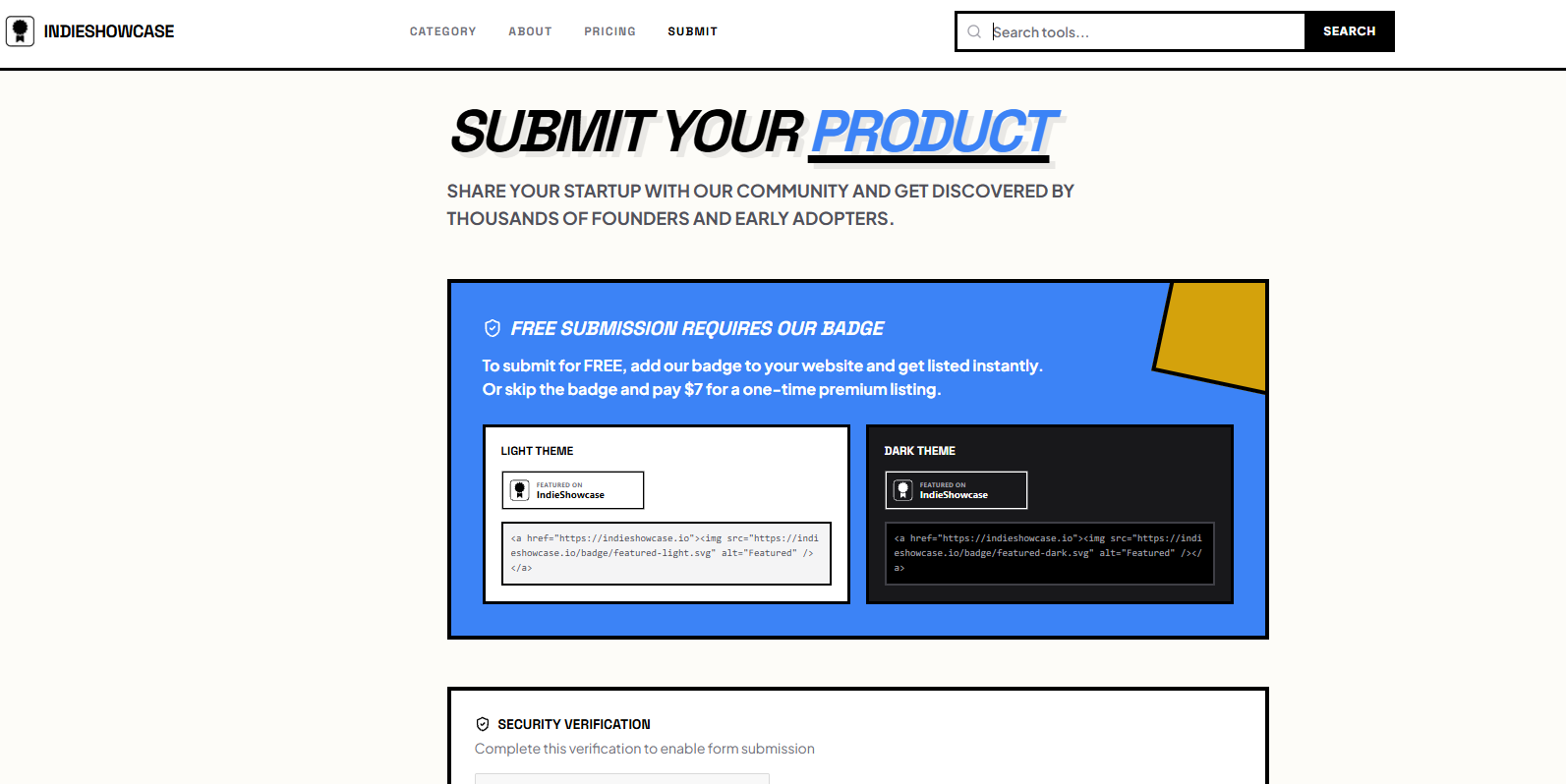
Open the submission page and sign in or create an account if required
- 02
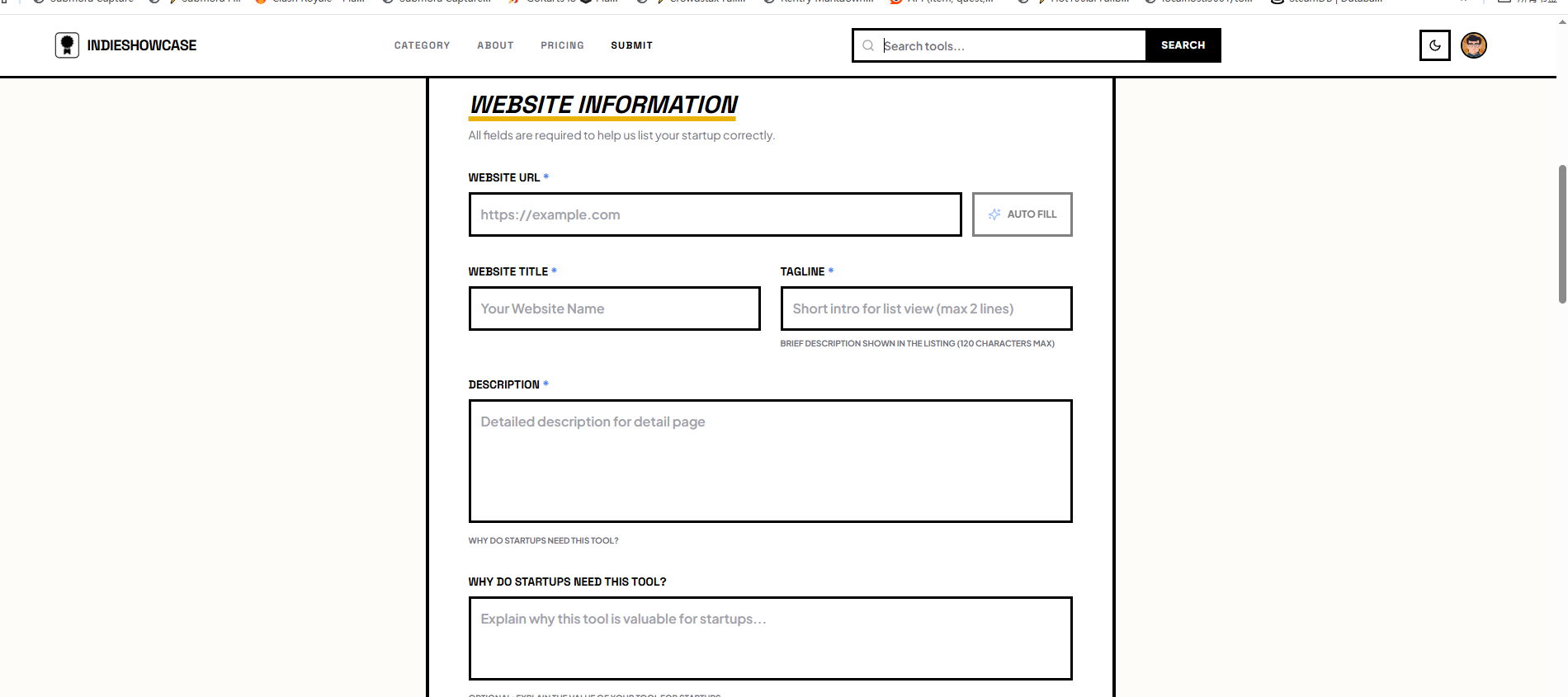
Complete the product and website fields requested by the destination
- 03
Review the URL, category, copy, and media before submitting
- 04
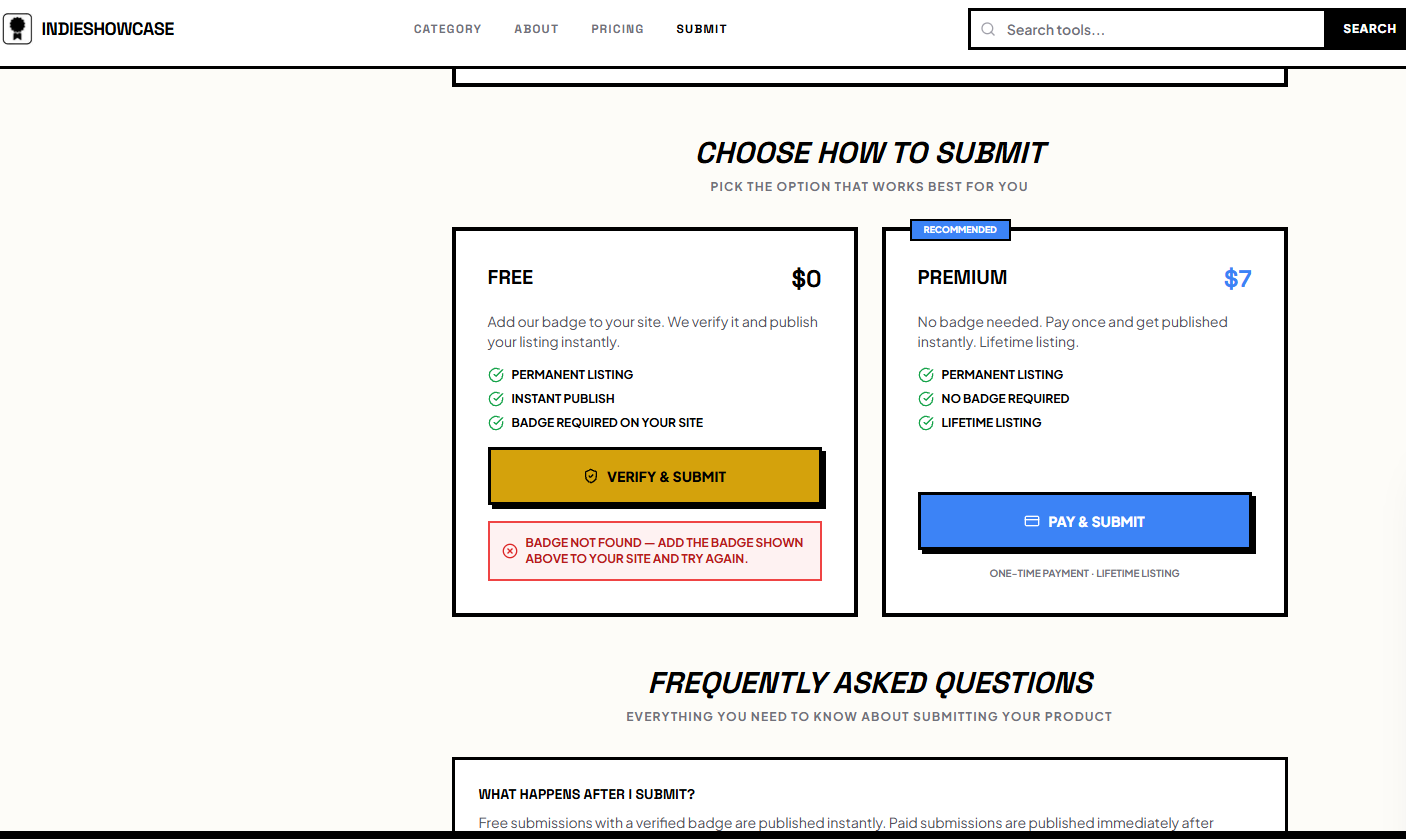
Record the submission date and follow up based on the expected review time
04EXPECTED OUTPUT
What gets published
A product name, description, website link, and any product media accepted by the destination.
Not suitable for
- Products that are not live or cannot be accessed publicly
- Products that clearly fall outside the destination eligibility criteria
The destination controls pricing, moderation and publication. DR is a recorded metric, not a guarantee of traffic or acceptance.
PREPARE. PUBLISH. FOLLOW UP.
Keep the work connected.
Use your website materials to prepare platform-specific content, record your submission and follow the published result.