 Submora
01PREPARATION CHECKLIST
Know the fields before you open the form.
Prepare the information below using the saved platform configuration. Required labels reflect that configuration; confirm the current form before submitting.
A field-by-field checklist has not yet been recorded for this platform. Use the official form to confirm its current fields; the requirements below are the available preparation guidance.
02PLATFORM REQUIREMENTS
Before you submit
- HubSpot account
- Business or product profile
- Logo and brand assets
- Original page or blog content
- Relevant calls to action and official links
- Privacy and lead-form settings
Free website, landing-page and blog tools are available; advanced Content Hub features are paid.
03PUBLISHING WORKFLOW
How to submit
- 01
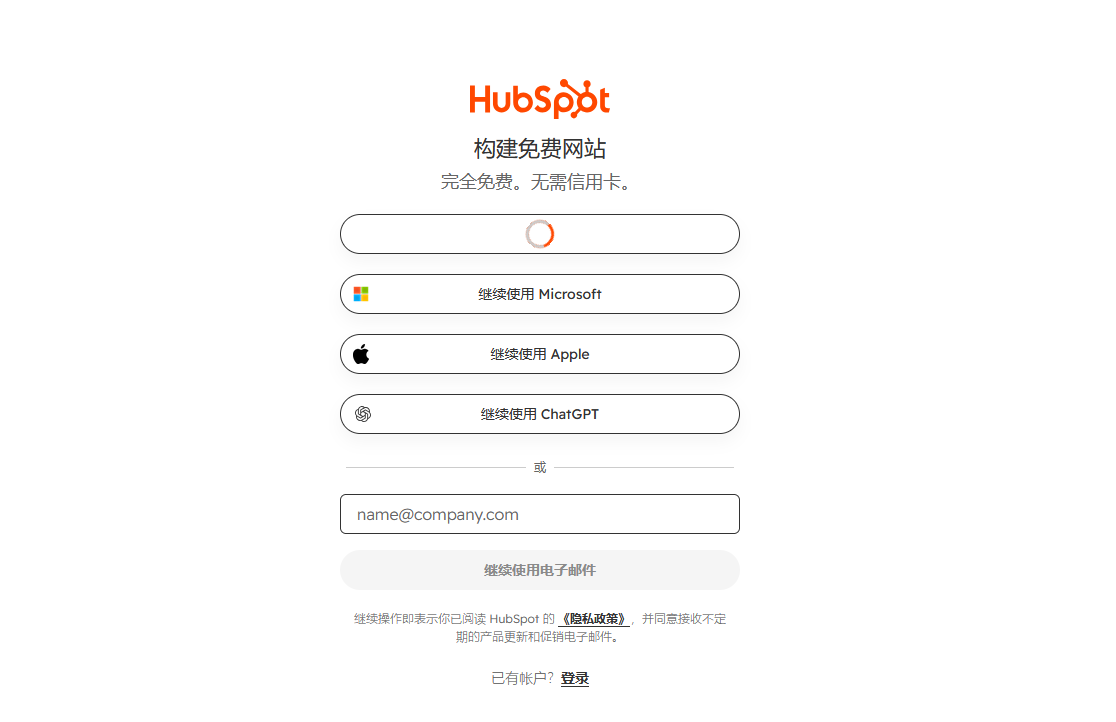
Create or sign in to HubSpot
- 02
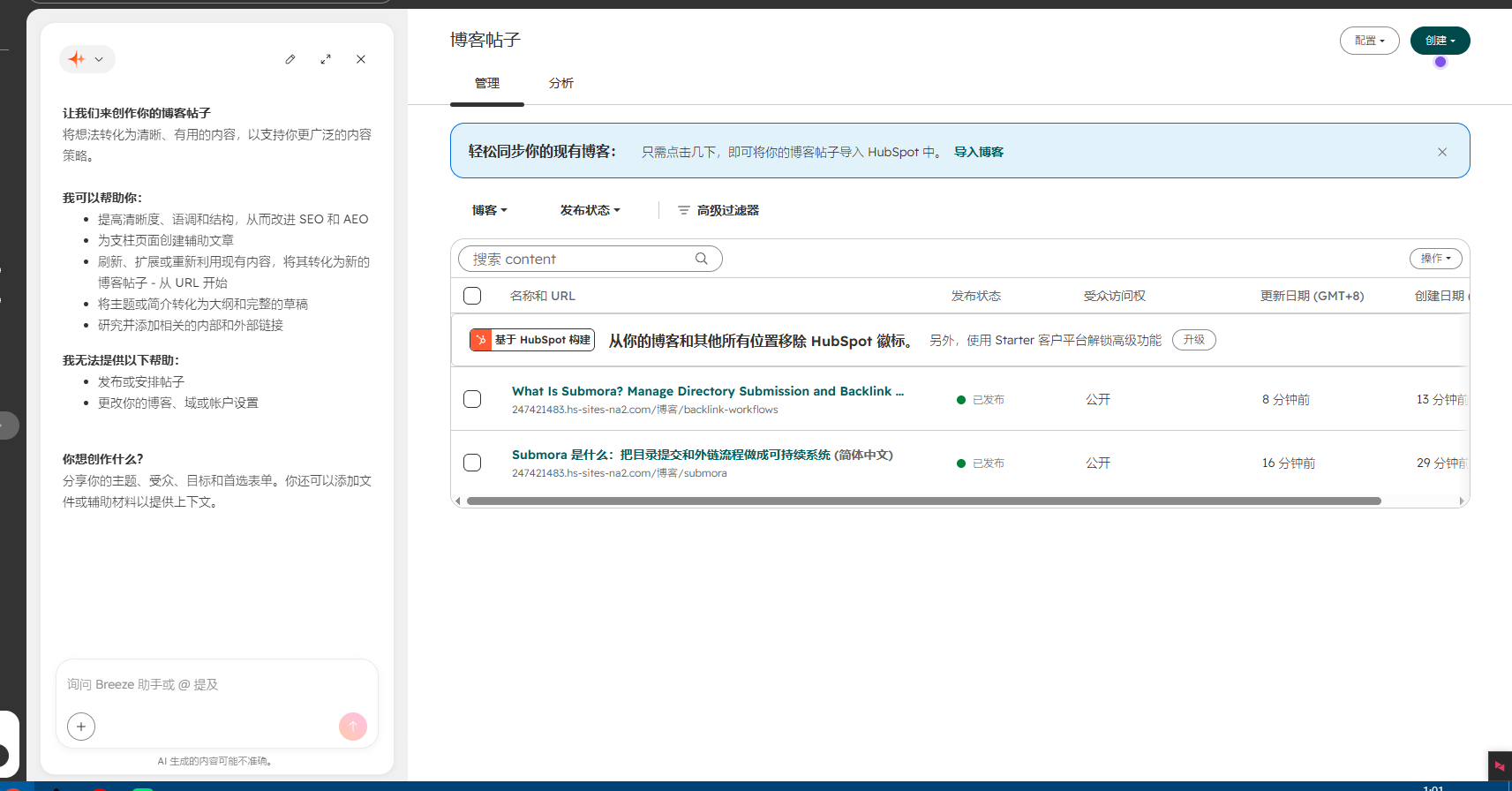
Set up Content Hub website, landing page or blog,Using HubSpot's AI tools to write blog posts is incredibly convenient. Simply finish writing and add links to your own website.
- 03
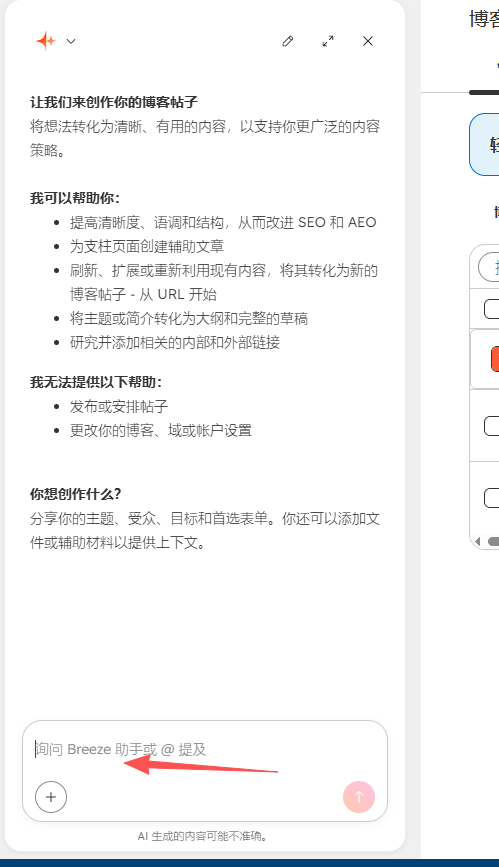
Choose HubSpot's AI tools,
- 04
Add original content, images and relevant links
- 05
Configure SEO fields and privacy settings
- 06
Preview and publish
- 07
Record the public URL
04EXPECTED OUTPUT
What gets published
A user-controlled HubSpot-hosted website page, landing page or blog article with branding, original content, forms and contextual links.
The destination controls pricing, moderation and publication. DR is a recorded metric, not a guarantee of traffic or acceptance.
PREPARE. PUBLISH. FOLLOW UP.
Keep the work connected.
Use your website materials to prepare platform-specific content, record your submission and follow the published result.