 Submora
01PREPARATION CHECKLIST
Know the fields before you open the form.
Prepare the information below using the saved platform configuration. Required labels reflect that configuration; confirm the current form before submitting.
01
Website for badge verification
Required- Input
- Website URL
- Form step
- Badge verification
- Requirements
- Enter the actual public page containing the HiProducty badge. Login is required. Successful verification is needed before the free product form is accessible.
02PLATFORM REQUIREMENTS
Before you submit
- Account login
- A live HiProducty badge for the free path, or deliberately chosen $19 paid submission
- AI-tool fit and accurate product details
Free with a verified HiProducty badge; optional $19 paid submission skips the badge and advertises priority review/featured placement.
03PUBLISHING WORKFLOW
How to submit
- 01
Sign in with Google and open Submit Your AI Tool. Choose the free badge-verification or optional $19 paid path deliberately.
- 02
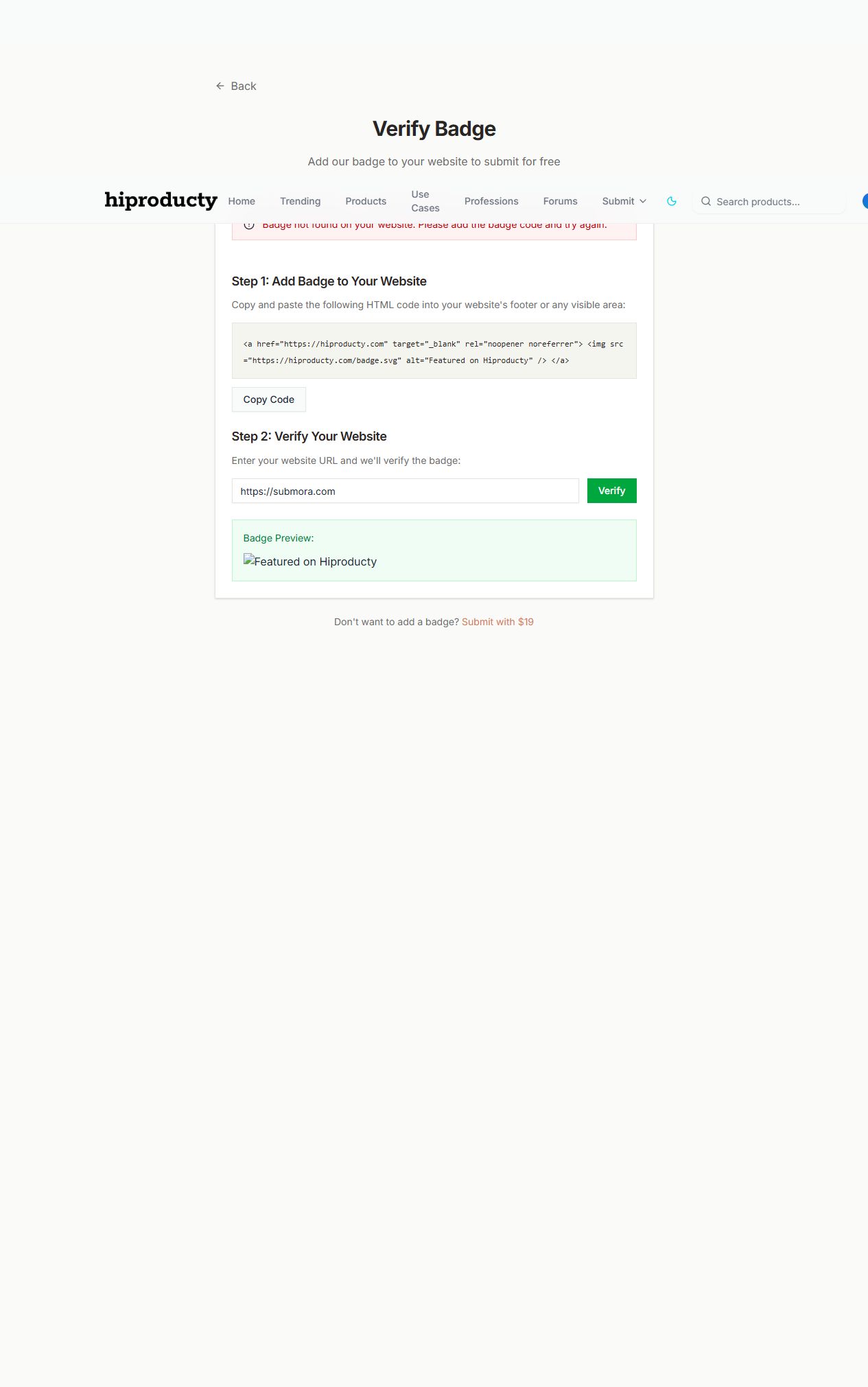
The free path requires a HiProducty badge on a visible public page. Enter the actual URL and Verify. Login is required; the inspected URL returned Badge not found.
- 03
Stop if the badge is absent. The product form behind verification was not reached; no badge was installed or paid checkout opened.
- 04
Once access is available, inspect the remaining product form and approval conditions. The page advertises 48-hour review/going live, but final publication was not tested.
04EXPECTED OUTPUT
What gets published
A product name, description, website link, and any product media accepted by the destination.
Not suitable for
- Products that are not live or cannot be accessed publicly
- Products that clearly fall outside the destination eligibility criteria
The destination controls pricing, moderation and publication. DR is a recorded metric, not a guarantee of traffic or acceptance.
PREPARE. PUBLISH. FOLLOW UP.
Keep the work connected.
Use your website materials to prepare platform-specific content, record your submission and follow the published result.