 Submora
01PREPARATION CHECKLIST
Know the fields before you open the form.
Prepare the information below using the saved platform configuration. Required labels reflect that configuration; confirm the current form before submitting.
01
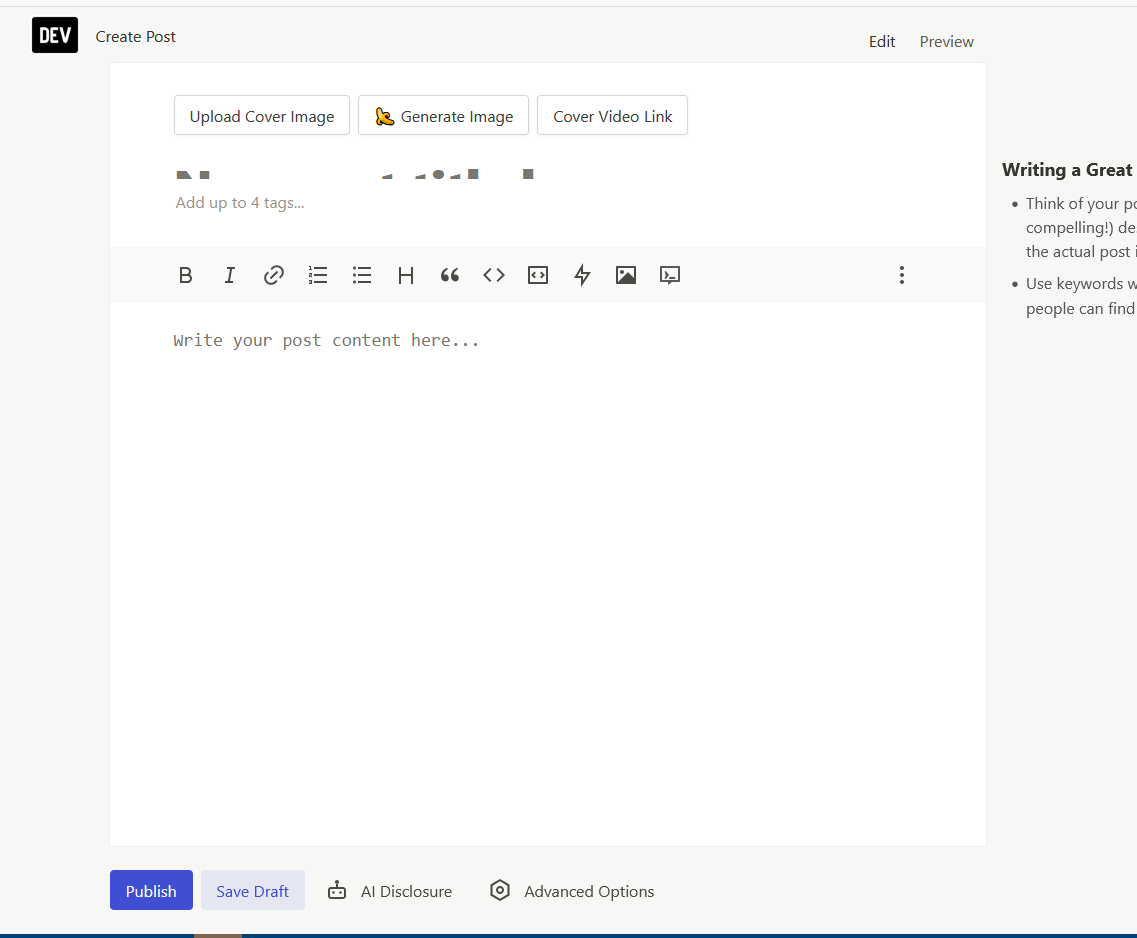
Upload Cover ImageUse a ratio of 1000:420 for best results.
Optional- Input
- Image upload
- Image requirements
- Confirm file requirements on the submission form.
02
Post Title
Optional- Input
- Long text
03
Add up to 4 tags...
Optional- Input
- Short text
04
Post Content
Optional- Input
- Long text
02PLATFORM REQUIREMENTS
Before you submit
- DEV account
- Original technical article or content you may republish
- Title, complete body, cover image and up to four tags
- Original article URL when using canonical attribution
Free; distribution and backlink value are not guaranteed.
03PUBLISHING WORKFLOW
How to submit
- 01
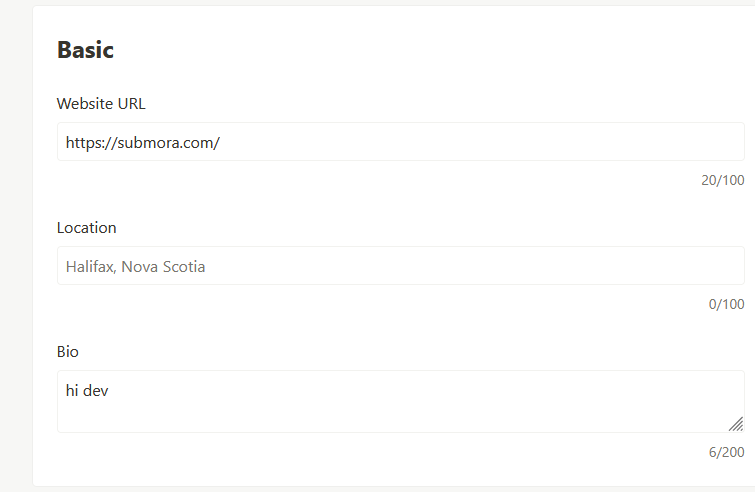
Sign in and open Profile,edit website,Do not add URL backlinks in the bio.
- 02
click create post 。Write a complete developer-focused article。Use Prepare Submission Content to generate exclusive technical articles.
- 03
Add only reader-helpful links
- 04
Set canonical_url when republishing
- 05
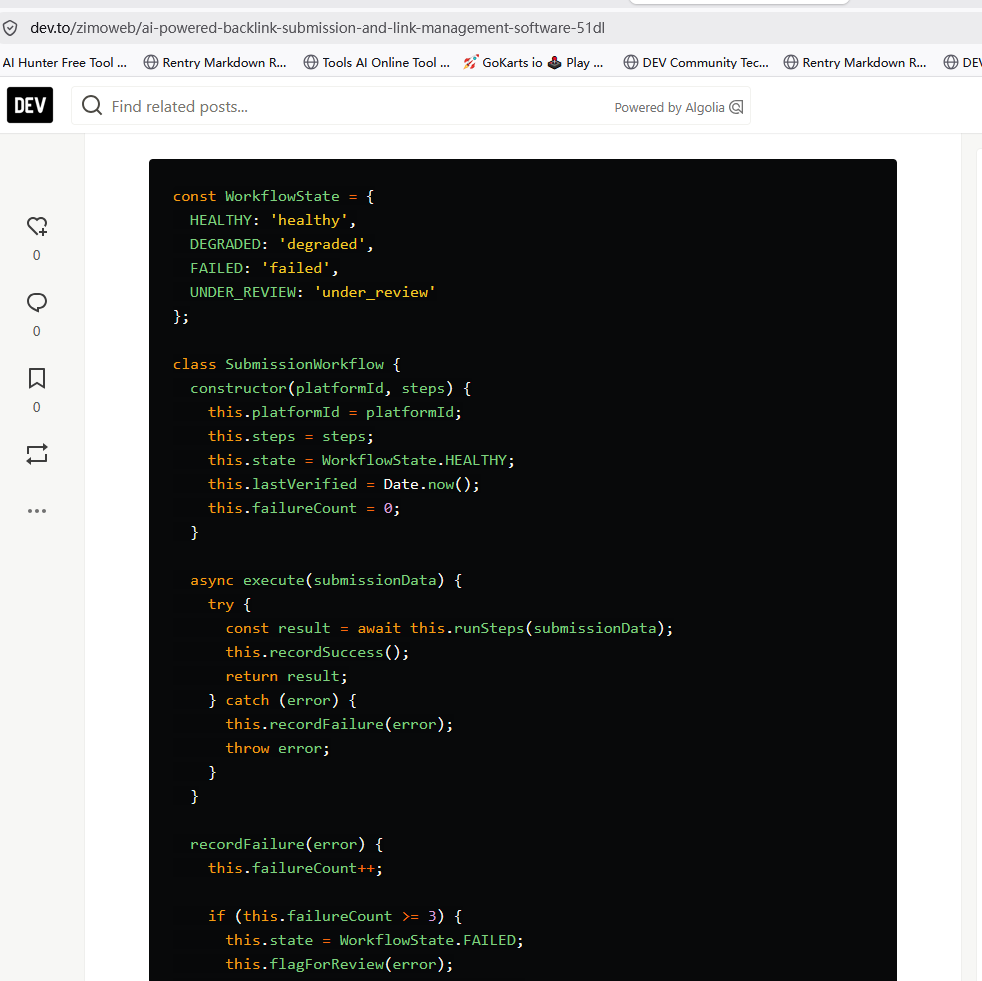
Preview, publish and save the public result URL
04EXPECTED OUTPUT
What gets published
A public DEV article with author, body, tags, contextual links and optional canonical attribution.
Not suitable for
- Local businesses
- E-commerce
- Lifestyle
The destination controls pricing, moderation and publication. DR is a recorded metric, not a guarantee of traffic or acceptance.
PREPARE. PUBLISH. FOLLOW UP.
Keep the work connected.
Use your website materials to prepare platform-specific content, record your submission and follow the published result.