 Submora
01PREPARATION CHECKLIST
Know the fields before you open the form.
Prepare the information below using the saved platform configuration. Required labels reflect that configuration; confirm the current form before submitting.
01
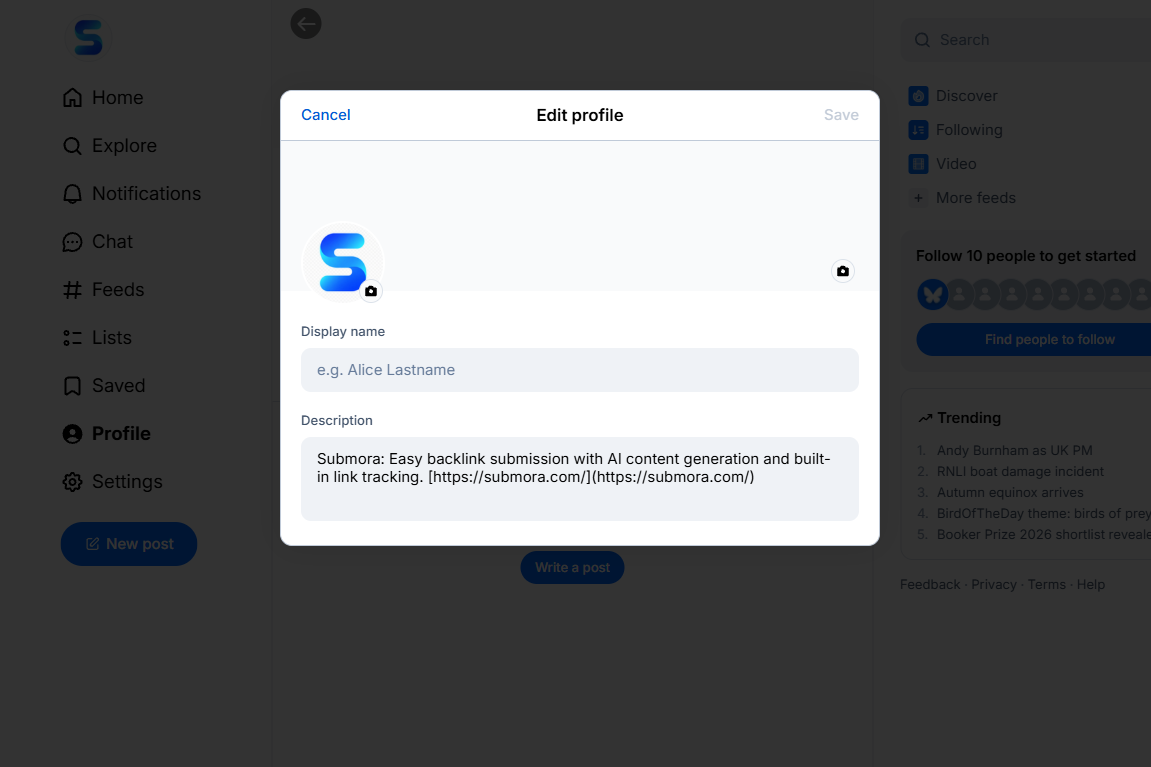
Edit Profile Description
Optional- Input
- Short text
02
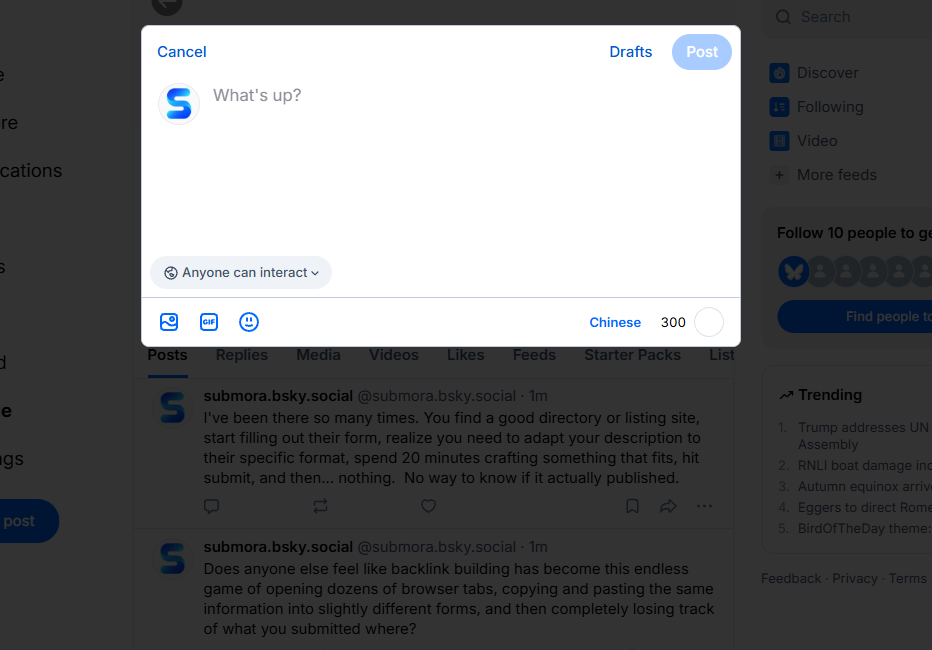
Write a post
Optional- Input
- Website URL
02PLATFORM REQUIREMENTS
Before you submit
- An account owned by the represented person or organization
- Accurate identity or company information
- Logo or profile image
- Official website URL and a useful public description
- Short bio and profile image
- A verified-domain handle if available
- Useful launch or progress posts
Account and standard posting are free.
03PUBLISHING WORKFLOW
How to submit
- 01
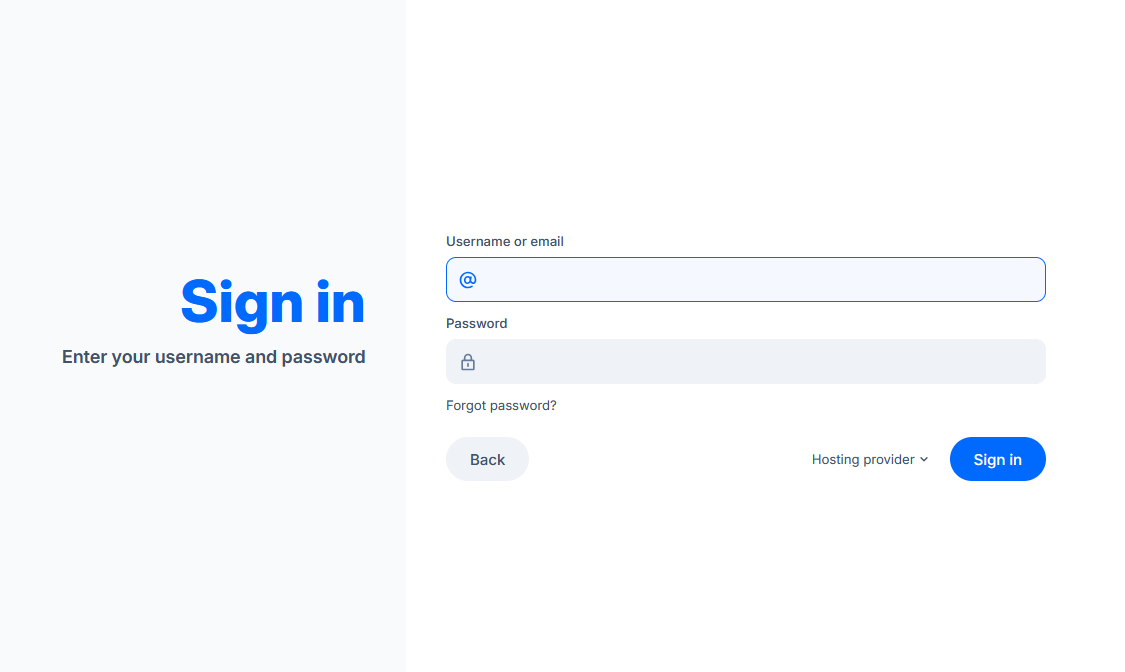
Create or sign in to the official account
- 02
Create the correct personal or organization page
- 03
Complete the profile with accurate brand information
- 04
Add the official website only where permitted
- 05
Publish useful updates rather than a link-only profile
- 06
Record the public profile URL
04EXPECTED OUTPUT
What gets published
A public profile and user-authored posts with bio, media and contextual links.
The destination controls pricing, moderation and publication. DR is a recorded metric, not a guarantee of traffic or acceptance.
PREPARE. PUBLISH. FOLLOW UP.
Keep the work connected.
Use your website materials to prepare platform-specific content, record your submission and follow the published result.